When to post Shorts, and how to schedule them (October 2026)
Shortsmith team · Updated
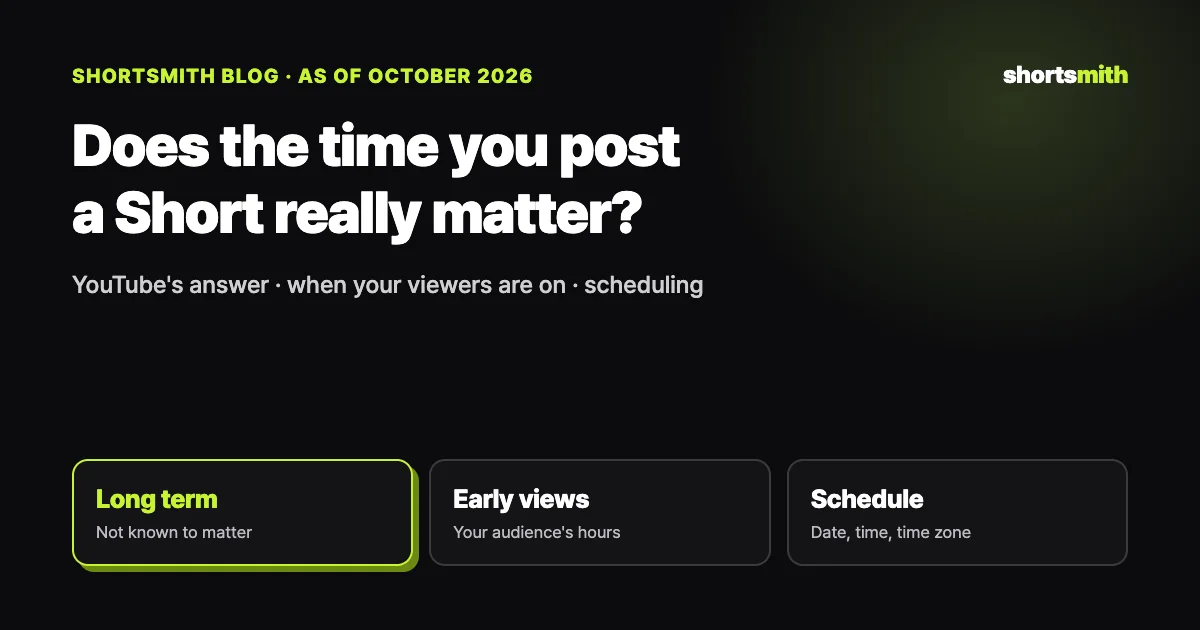
The hour you post a Short doesn’t decide how it does in the long run. YouTube’s performance FAQ says publish time is not known to impact a video’s long-term performance, and that timing matters mainly for live streams and Premieres. Posting when your own viewers are on YouTube can still help the first few hours, so the practical move is to check the “When your viewers are on YouTube” report in YouTube Studio and schedule around it.
We checked YouTube Help’s performance FAQ, “Understand your YouTube audience” and “Schedule video publish time” on October 19, 2026, and explain how to schedule finished Shorts to YouTube from Shortsmith.
What YouTube says about timing, at a glance
| Question | YouTube Help | What to do |
|---|---|---|
| What time makes a video do well long term? | Publish time isn’t known to affect long-term performance | Focus on the first 3 seconds and the topic |
| Does timing affect early views? | Posting when your audience is active can help early viewership | Go public 1–2 hours before your audience peak |
| When are my viewers online? | Analytics → Audience → “When your viewers are on YouTube,” last 28 days | Look for the darkest day and hour cells |
| How do I schedule? | Upload → Visibility → Schedule (date, time, time zone) | It uploads private and goes public on time |
Timing only affects the first reaction
YouTube’s performance FAQ says publish time is not known to impact long-term performance. The Shorts feed keeps showing a Short to new viewers hours and days after it goes up, so posting at 3 a.m. doesn’t bury it. What separates Shorts that keep getting views is the first one to three seconds, the first line, and a structure that holds people to the end.
Timing isn’t irrelevant, though. Post when subscribers and regular viewers are on YouTube and reactions come in faster in the first hours, and subscribers who get a notification are more likely to watch right away. For topics that cool off quickly, like tonight’s game result or breaking news, posting fast matters more than posting at the “right” time.
Finding when your viewers are online
In YouTube Studio, go to Analytics in the left menu and then Audience at the top to find “When your viewers are on YouTube.” It shows when your viewers were online across YouTube over the last 28 days, in cells by day and hour; darker cells mean more of your viewers. YouTube suggests using it to schedule a Premiere or plan a live stream.
Once you find the darkest window, schedule your Short to go public one to two hours before it, so it has been processed and started circulating when viewers arrive. If your channel is too small for the report, start with a common slot such as the evening and compare first-24-hour views over a few weeks while varying the day and hour.
How to schedule on YouTube, and what to watch for
In YouTube Studio, choose Create → Upload videos, add the file and details, then on the visibility step choose Schedule and set the date, time and time zone. The video stays private until then and goes public automatically. To change the time, select the video in Content, keep visibility private and pick a new time.
Two things to know. If your channel has a Community Guidelines strike, scheduled videos won’t publish during the penalty period and stay private. And the date shown on the watch page is based on Pacific time, so a video posted in the morning in Asia can show the previous day’s date. That’s cosmetic and doesn’t affect performance.
Look at the first 24 hours before the clock
The first 24 hours after posting are for checking the video itself more than the time slot. If the share who viewed rather than swiped is below your channel’s usual level in YouTube Studio’s content tab, fix the opening shot and first line; if retention is low, fix the length of the middle. Acting on those numbers in your next video does more than reposting at a different hour.
If you want to test time slots, change one thing at a time. Post videos with similar topics and lengths in two slots and record first-24-hour views and average view duration for a few weeks; your channel’s best time will show. Conclusions from one or two videos are easily swayed by chance.
Make date-bound topics ahead of time
For some topics the date matters more than the hour. For fixed events like award shows, season openers or product launches, make the Short before interest peaks and schedule it for right after the event. When searches spike that day, videos already up get seen first.
Scheduling from Shortsmith
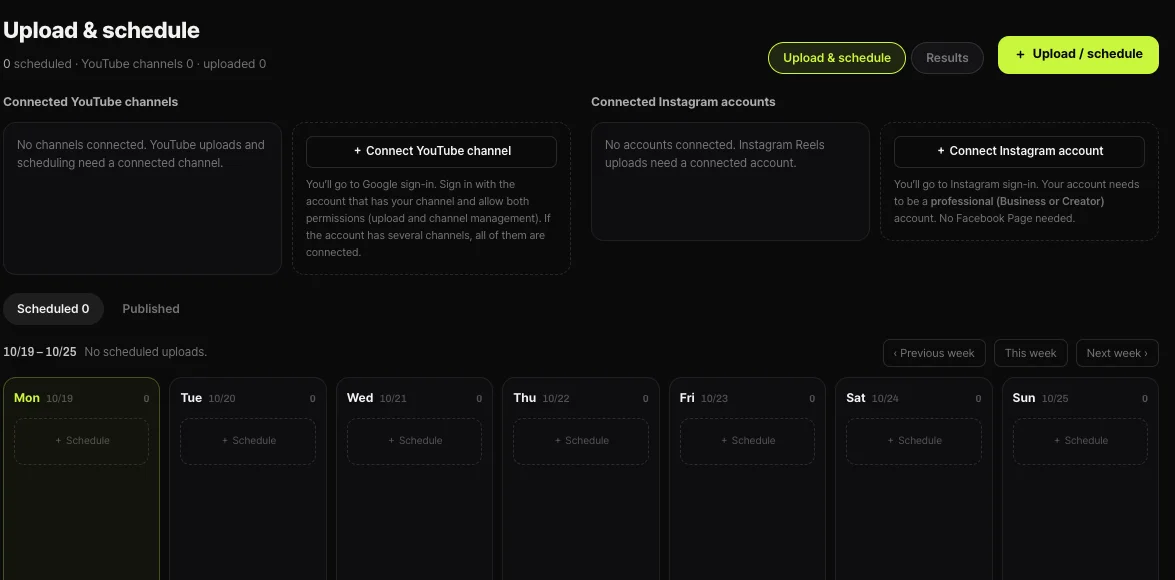
Shortsmith’s Upload & schedule view shows your schedule as a weekly calendar. Pick a finished Short, the connected YouTube channel, the title, description and hashtags, and an upload time; at that time our server uploads it with the visibility you picked (until then nothing is on YouTube, and you can cancel from the calendar). Make several Shorts at once and spread them across the week to keep a steady posting habit.
Instagram Reels currently support posting right away, without scheduling, and need a professional (Business or Creator) account to be connected. If you post the same video as a Reel, press the post button around the time your YouTube Short goes live.
Consistency beats timing
Posting on the same days and times every week teaches viewers when your channel shows up, which does more than finding one perfect hour. Scheduling is the tool for keeping that habit.
FAQ
What’s the best time to post a Short?
There’s no single answer. YouTube says publish time isn’t known to affect long-term performance. For early views, post one to two hours before your audience’s busiest time.
Where do I see when my viewers are online?
YouTube Studio → Analytics → Audience → “When your viewers are on YouTube,” covering the last 28 days.
My scheduled video didn’t publish.
If your channel has a Community Guidelines strike, scheduled videos don’t publish during the penalty period. Reschedule after it ends.
The publish date shows the day before.
Watch page dates are based on Pacific time, so they can differ from your local date. It doesn’t affect performance.
Can Shortsmith schedule Instagram Reels?
Scheduling is YouTube only for now; Reels can be posted right away from a connected professional account.
Is it OK to post several Shorts a day?
It is, but similar videos landing on the same viewers can split views. If you made several, spread them across the week.
Sources
- YouTube performance FAQ & Troubleshooting — YouTube Help · checked
- Understand your YouTube audience — YouTube Help · checked
- Schedule video publish time — YouTube Help · checked