OpusClip alternatives: 4 AI Shorts tools compared (October 2026)
Shortsmith team · Updated
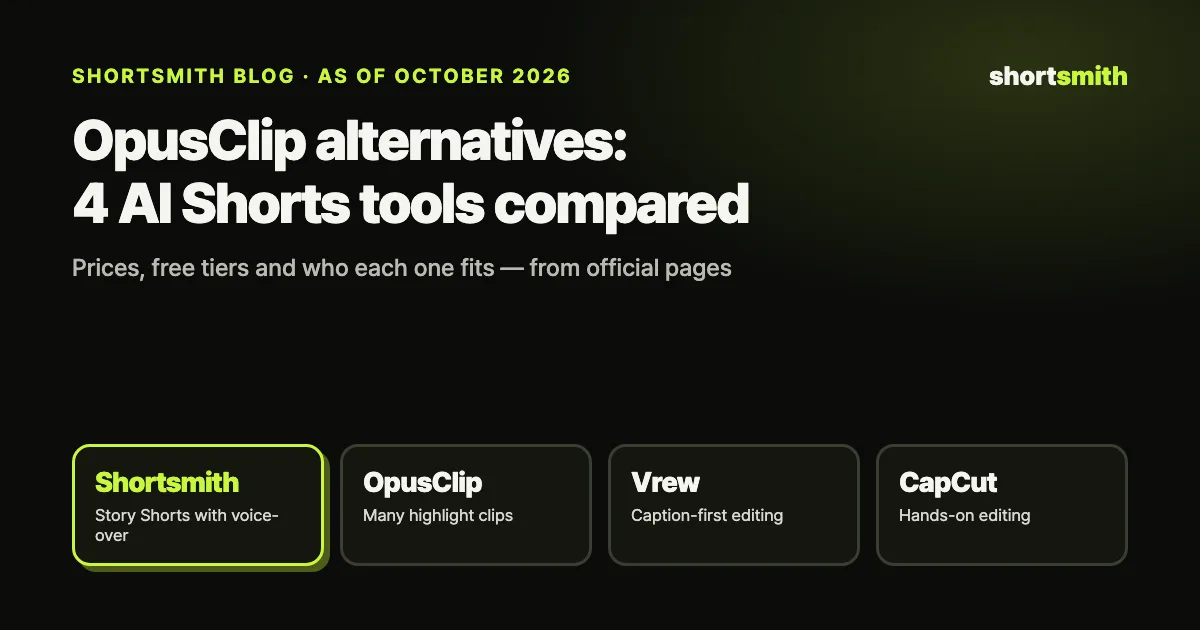
AI Shorts tools split four ways depending on what you hand off. OpusClip pulls many highlight clips out of a long video. Vrew turns speech into captions you edit like a document. CapCut gives you templates and effects to edit by hand. Shortsmith reads the whole video and rebuilds it as a story with a narrated voice-over. None is “the best” across the board — the right one depends on the kind of Shorts your channel posts.
This guide compares the four on the same terms: how you start, what the AI does, the free tier, the cheapest paid plan and who each one fits. We checked every price on the official pricing pages and the US App Store on October 9, 2026. Shortsmith is our own product, so we’ve also spelled out where the others do better.
At a glance — the four tools side by side
Here is the short version. Prices can differ by country, tax and where you pay (web or app store), so check each pricing page again before you buy.
| Shortsmith | OpusClip | Vrew | CapCut | |
|---|---|---|---|---|
| How you start | YouTube link or file → AI pitches 3 story angles | Link or file → AI cuts many highlight clips | Video → speech-to-text captions → edit like a document | Edit on a timeline with auto captions and templates |
| What the AI does | Analysis, web research, script, cuts, 9:16, captions, AI voice-over, title, thumbnail | Picks segments, 9:16, captions, AI B-roll, AI voice-over (paid) | Captions, AI voice, translation, text-to-video | Auto captions, text-to-speech, effects (you edit) |
| Where it runs | Web (desktop and phone), Windows and macOS app | Web | Desktop app (Windows, macOS, Linux) | Phone, desktop and web |
| Free tier | 5 credits at sign-up (one captioned Short, watermark) | 60 credits/month (60 min of source, watermark, 3-day storage) | 200 credits/month (up to 200 min transcription, watermark) | Basic editing free; some features paid |
| Cheapest paid | $9/month (50 credits) | $15/month (150 credits) | $13.99/month (2,000 credits) | US App Store: $9.99 (Standard), $19.99 (Pro) |
| Best for | Daily story Shorts with commentary | Lots of clips from podcasts and interviews | Hands-on, caption-first editing | Hands-on editing with effects and trends |
In one line
Want lots of clips? OpusClip. Want to hand-polish captions? Vrew. Want to tweak effects yourself? CapCut. Want finished Shorts with a story and a voice-over every day? Shortsmith.
OpusClip — when you want many clips from one long video
OpusClip takes a long video and has AI pick the segments most likely to perform, then cuts them into vertical clips. It shines with talk-driven content — podcasts, interviews, talks — where you want a batch of clips in one go. Paid plans add AI B-roll, AI voice-overs (20 a day), brand templates and scheduling.
Pricing is credit-based. Per OpusClip’s Help Center, one credit is one minute of source video, so a 30-minute upload uses 30 credits. Free gives 60 credits a month (watermark, exports expire after 3 days); Starter is $15 a month for 150 credits; Pro is $29 a month for 300 credits. Credits on monthly plans last 60 days.
The gap is commentary. OpusClip’s core job is cutting from the original, so if you want Shorts that add a new storyline and narration over the footage, that’s extra work. It fits best when the original audio is already the entertainment.
Vrew — when you want caption-first, hands-on editing
Vrew transcribes your video into captions and lets you edit the video by editing that text — delete a sentence and the clip is cut. That makes lectures, vlogs and interviews fast to edit, and it bundles AI voices, translation, text-to-video and AI image and video generation. It’s a desktop app for Windows, macOS and Linux.
Since April 22, 2026, Vrew uses one unified credit pool instead of per-feature limits. On its official pricing page, Free includes 200 credits a month (up to 200 minutes of transcription), Light is US$13.99 a month for 2,000 credits, Standard is US$22.99 for 10,000 and Business is US$35.99 for 12,000, with 20% off on annual plans. The watermark goes away from Light up. Unused credits don’t roll over.
Vrew helps a person edit faster rather than making the Short for you. Which scenes to use and how to frame the story is still your call — a good fit if you have an editor’s eye and care about caption quality.
CapCut — when you want to edit by hand with effects and templates
CapCut, from ByteDance, is a video editor for phone, desktop and web with a deep library of trending templates, transitions, auto captions and text-to-speech. Basic editing is free; some effects and AI features need a subscription.
Prices vary by country and by where you pay — CapCut’s own help page says so. On the US App Store on October 9, 2026, Standard was listed at $9.99 a month, Pro at $19.99 a month and a yearly subscription at $89.99. Paying on the web may be different.
CapCut is a tool; you do the editing. Choosing scenes from a long video and building the story is up to you, so it takes the most time per Short — and gives you the most creative control.
Shortsmith — when you want story Shorts with a voice-over, every day
Shortsmith focuses on rebuilding long videos as stories rather than just trimming them. Paste a YouTube link or upload a file and AI watches the whole video, researches the background on the web and pitches three story angles. Pick one and it selects matching scenes, reframes to 9:16 and adds a script, captions, an AI voice-over, a title and a thumbnail. You can edit the angle, script and captions before rendering.
You can start from YouTube’s trending charts (US and Korea), choose English or Korean narration, and add translated captions for foreign-language footage. It runs on the web, with an optional Windows and macOS app if you’d rather render on your own computer.
Pricing is credit-based: a captioned AI Short is 5 credits, 8 with an AI voice-over, plus 1 credit per extra 30 minutes when the source is longer than 10 minutes. You get 5 credits at sign-up (one captioned Short), and paid plans start at $9 a month for 50 credits — about six narrated Shorts.
Where it’s weaker: it makes one carefully built Short per angle rather than dozens of clips from a single upload, so for volume clipping OpusClip is faster. CapCut gives more freedom for frame-by-frame effects, and the free trial is smaller than OpusClip’s 60 minutes or Vrew’s 200 credits.

What does one long video cost in each tool?
Say you turn a 30-minute podcast into Shorts. In OpusClip that’s 30 credits, so Starter’s 150 credits cover five such uploads a month — each producing several clips. In Vrew, transcribing 30 minutes is 30 credits and you do the cutting yourself. In Shortsmith, a narrated Short is 8 credits plus 1 for the 20 minutes past the first 10, so 9 credits gets you one finished Short.
On paper, OpusClip wins on clips per upload and Shortsmith wins on a finished, narrated Short. With Vrew and CapCut, your editing time is most of the cost. The math depends on what you post and how often.
| 30-min video → Shorts | What it uses | What you get |
|---|---|---|
| Shortsmith | 9 credits (8 for voice-over + 1 for the extra 20 min) | One finished Short with commentary, captions and a title |
| OpusClip | 30 credits (1 credit = 1 min of source) | Several highlight clips (no new commentary) |
| Vrew | 30 transcription credits + your editing time | A captioned edit you structure yourself |
| CapCut | Subscription + your editing time | An edit you build by hand |

Which tool fits your channel?
Instead of comparing feature lists, decide what you’ll post every day and how many. These questions usually narrow it to one or two tools.
- The original talk is the entertainment (podcasts, interviews, talks) → OpusClip, then pick the best clips
- Footage only makes sense with a story or commentary (sports, news, shows, reviews) → Shortsmith
- Caption quality matters most and you have time to edit → Vrew
- You want hands-on effects, transitions and trending templates → CapCut
- Mix them — make a narrated Short in Shortsmith, then add finishing effects in CapCut
A seven-point checklist before you pay
Every tool here has a free way in. Make one or two Shorts from your own channel’s material inside the free tier, then check these seven things. The output from your own footage is the most honest comparison.
- What credits are counted on — minutes of source or finished Shorts. For channels that use long videos, this changes the bill a lot.
- Whether unused credits roll over. Vrew’s don’t; OpusClip’s monthly credits last 60 days; Shortsmith’s refill validity depends on the plan.
- How the voice and captions sound in your language — spelling, pacing, and how numbers and names are read differ widely.
- When the watermark goes away — usually from the cheapest paid plan.
- How long exports and sources are kept — OpusClip Free stops exporting after 3 days, and other tools vary by plan.
- Whether you can fix the script, captions and scenes before rendering, so you can correct facts and add your own take.
- Whether you need a team — per-seat pricing, roles and a shared credit pool.
If you plan to monetize
Whatever you use, YouTube’s monetization rules are the same. Reused content must show a meaningful difference from the original — edited footage with an added storyline and commentary is allowed, clips stitched together with little or no narrative are not. Since July 2025, the inauthentic content policy also targets templated, mass-produced videos.
So even with a clipping tool, add your own captions and commentary. We cover the Shorts monetization requirements and the February 2027 changes in a separate guide.
FAQ
Which AI Shorts tool has the most generous free tier?
As of October 2026, OpusClip gives 60 credits a month (60 minutes of source) and Vrew 200 credits a month (up to 200 minutes of transcription). Shortsmith gives 5 credits at sign-up (one captioned Short) and CapCut’s basic editing is free. Most free exports carry a watermark.
What’s a good OpusClip alternative for narrated Shorts?
If you want many clips from one upload, OpusClip is strong. If you want Shorts that add a storyline and an AI voice-over to the footage, Shortsmith is built for that, with English or Korean narration.
How is Vrew different from Shortsmith?
Vrew helps a person edit by turning speech into editable captions. Shortsmith has AI watch the whole video and produce the story angle, script, scene selection and voice-over to deliver a finished Short.
Why do CapCut prices look different for different people?
CapCut says Pro pricing varies by country or region, and it also differs between the App Store, Google Play and the web. On the US App Store on October 9, 2026, Standard was $9.99 a month and Pro $19.99 a month.
Can Shorts made with AI tools be monetized?
Yes. YouTube doesn’t ban AI tools, but reused footage needs a meaningful difference such as a storyline or commentary, and templated, repetitive videos can be treated as inauthentic content.
Sources
- OpusClip Pricing — OpusClip · checked
- How Do Credits Work? — OpusClip Help Center · checked
- Vrew Pricing & Plans — Vrew (VoyagerX) · checked
- CapCut in-app purchases (US App Store) — Apple App Store · checked
- YouTube channel monetization policies (reused and inauthentic content) — YouTube Help · checked