YouTube Shorts analytics: which numbers to read and what to fix (October 2026)
Shortsmith team · Updated
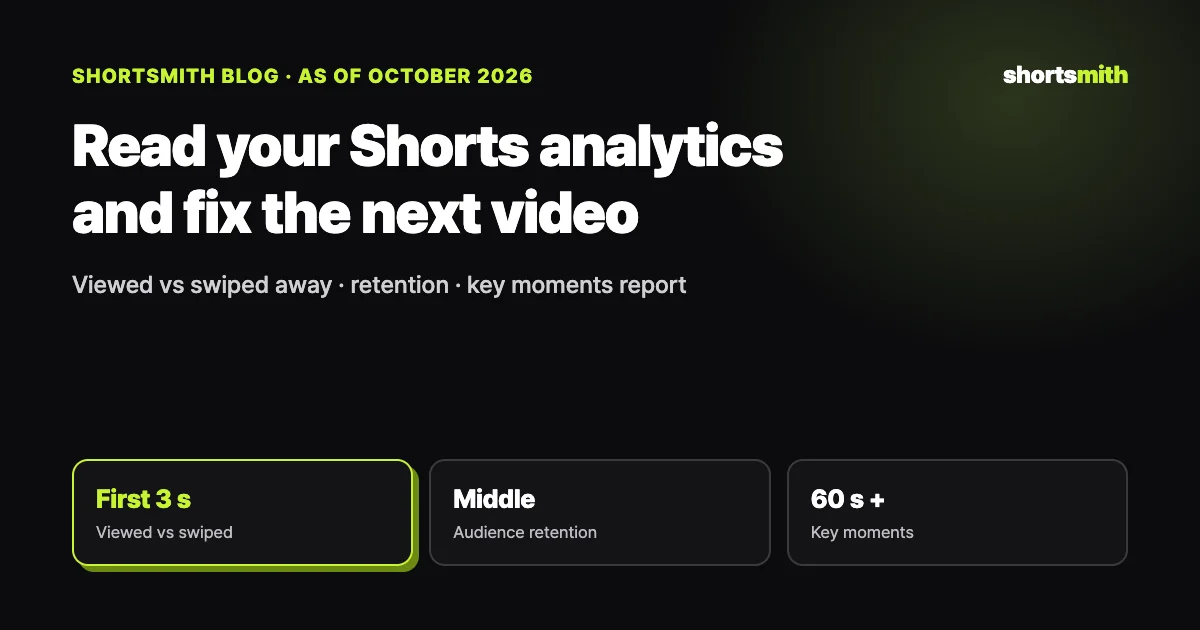
Split Shorts performance into three numbers and the fix becomes clear. The share of people who chose to view a Short instead of swiping past it reflects your opening and hook, watch time and retention reflect the middle, and likes and subscribers after watching reflect the ending. YouTube’s key moments report pinpoints drop-offs and spikes, but it only appears on videos at least 60 seconds long with 100 or more views.
We checked YouTube Help’s “Tips for content tab analytics” and “Key moments for audience retention” on October 17, 2026, and we explain how to collect the same numbers in Shortsmith’s Results view.
The numbers to read and what to fix
| Number (YouTube Studio) | What it means | If it’s low, fix |
|---|---|---|
| Shown in feed | How often the Short appeared in the Shorts feed | Topic, title, hashtags (who it’s shown to) |
| Viewed vs. swiped away | Share who watched instead of swiping past | Opening shot, first line, on-screen title |
| Watch time and retention | How long people watched | Middle of the story, cut pace, slow stretches |
| Likes and subscriber change | Reaction after watching | Ending line, result shot |
| Traffic sources | Feed, search, suggested, external | If search is low, key words at the start of the title |
The opening — viewed vs. swiped away
YouTube Studio’s content tab shows a Short’s views, how often it was shown in the feed, and the share of people who chose to view it compared with those who swiped away, each against your channel’s typical performance. If that share is below normal, the problem is almost always in the first one to three seconds. Check whether the opening shot shows what’s happening right away, whether the first line leaves a question, and whether the on-screen title matches the video.
Lots of feed impressions with a low viewed share means YouTube showed it but people swiped past. Few impressions can simply mean YouTube is still testing which viewers to show it to, so don’t judge from the first day alone.
Mid-video drop-off — retention and key moments
Watch time and retention are the core engagement metrics. The key moments report in a video’s analytics marks four parts: the intro (the share still watching after the first 30 seconds), top moments with almost no drop-off, spikes where people rewatch or share, and dips where people skip or stop. Open it from Content → the video’s Analytics → Overview or Engagement; processing usually takes one to two days.
The catch: these markers only appear on videos at least 60 seconds long with 100 or more views. For Shorts under a minute, lay the retention graph next to your script and look for where a line runs long, where one shot lingers, or where the narration gives away what’s next. Cut or shorten the dips, and reuse what spiked as the opening of your next video.
Turning numbers into the next video — fix in order
Change one thing at a time. If the viewed share is low, change only the opening shot and first line next time; if retention is low, change only length and cut pace. Change several things at once and you won’t know what worked. Compare videos on the same topic with similar sources for a fair read.
Shortsmith scripts alternate short narration lines with the original audio and cut narration scenes about every 1.5 seconds, a structure meant to reduce mid-video drop-off. If a video has weak retention, shorten narration lines or extend original-audio scenes in the editor and render again.
Check traffic sources as well. Most Shorts views come from the feed, but videos that pick up search, suggested videos or external sites keep gathering views for longer. If search traffic is near zero, lead the title with a searchable name (a person, product or event) and summarize the video in one sentence on the first line of the description. If external traffic is high, find where it was shared and announce your next video there too.
Three patterns to recognize
One: lots of feed impressions but a low viewed share. YouTube showed it plenty, and people swiped at the opening. Open on the strongest result or reaction, and cut the first line down to “what happened + a question.” Check that the on-screen title isn’t too long or telling a different story from the first shot.
Two: a high viewed share but short retention. The hook worked and the middle didn’t. Find long narration stretches, shots that linger and places where the result is given away too early, and trim them. Adding more original-audio reactions often revives the middle.
Three: strong retention but few likes or subscribers. The ending fizzles. Show the result clearly and end with one line that lands it, or a question specific to this video.
Compare like with like
Compare videos with a similar topic, source and length so you can tell what changed the numbers. Noting the posting day and time helps too.
Collecting it in Shortsmith’s Results
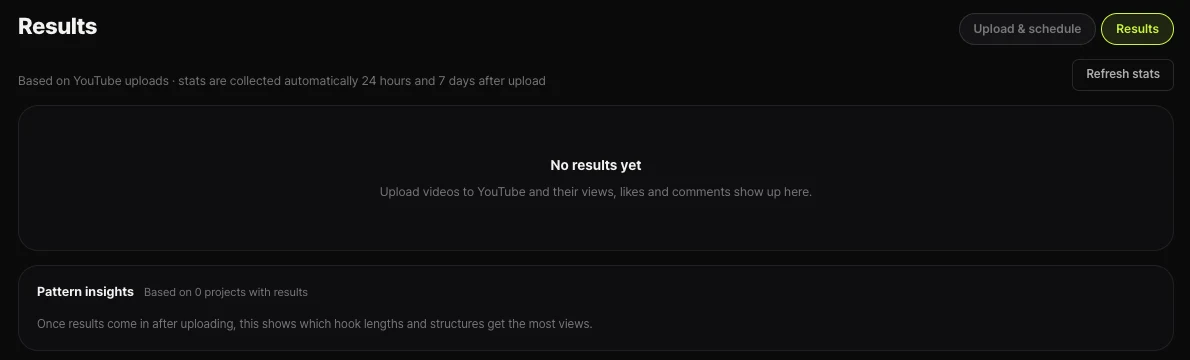
Videos you post to YouTube through Shortsmith collect views, likes and comments in the Results tab under Upload & results. Stats are collected automatically 24 hours and 7 days after upload, and “Refresh stats” pulls them right away. As results build up, “Pattern insights” shows which hook lengths and structures got the most views.
Read it alongside YouTube Studio’s detailed metrics (viewed vs. swiped away and key moments) to narrow down which topics and structures work for your channel.
FAQ
Do Shorts get the key moments report?
Key moments appear on videos at least 60 seconds long with 100 or more views. For Shorts under a minute, read the retention graph yourself to find drop-offs.
My viewed-vs-swiped share is low. What do I fix first?
The first one to three seconds: whether the opening shows what’s happening, whether the first line leaves a question, and whether the on-screen title matches.
When does the data show up?
Key moments data usually takes one to two days to process. Shortsmith’s Results tab collects stats automatically 24 hours and 7 days after upload.
Can I trust analytics with few views?
Small samples swing a lot. Don’t judge from the first day; compare several videos on the same topic instead.
Can I change several things at once?
We don’t recommend it. Change only one of opening, length or title so you know what made the difference.
Sources
- Tips for content tab analytics — YouTube Help · checked
- Key moments for audience retention — YouTube Help · checked