Settings you can still change after uploading — title, description, tags, related video, video location, auto chapters and remixing (October 2026)
Shortsmith team · Updated
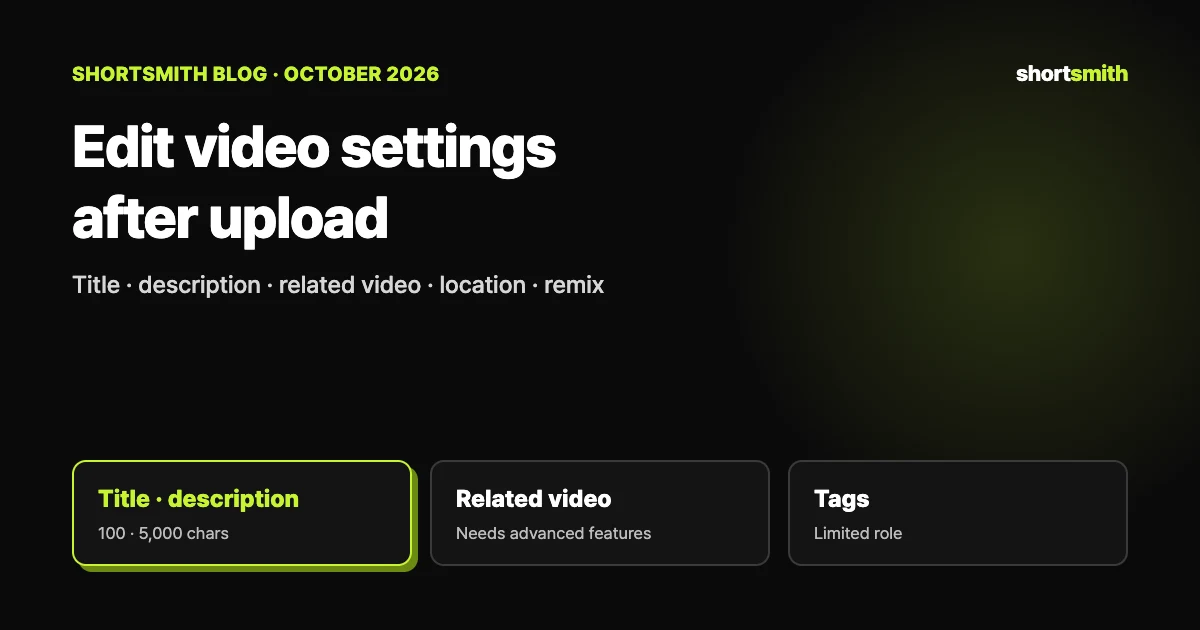
Finishing an upload does not lock the settings. In YouTube Studio you can change almost every option later: title, description, thumbnail, visibility and comment settings. For Shorts operators three items matter most: "Related video", which shows in the Shorts player; "Video location", which highlights the main place a video covers; and "Shorts remixing", which lets others make Shorts from your audio.
This post is based on the YouTube Help pages "Edit video settings" (Korean and English versions) and "Upload YouTube videos", checked on October 30, 2026.
How to change them — one video or several
To change many videos at once, use bulk edit. The items and cautions are covered in the license and bulk edit post.
- Sign in to YouTube Studio and choose "Content" from the left menu.
- Click the title or thumbnail of the video.
- Decide which setting to change and press "Save".
Settings at a glance
| Setting | What it does / limit | Worth knowing |
|---|---|---|
| Title | Up to 100 characters; invalid characters not allowed | On Shorts the title and first scene carry a lot of weight (see that post) |
| Description | Up to 5,000 characters; bold, italics and strikethrough available | The video source appears in the format "[channel name] [video title] [video ID]" |
| Thumbnail | The image viewers see before choosing a video | Custom thumbnails need phone verification |
| Playlists | Add to an existing playlist or create one | A playlist of only Shorts cannot be reordered |
| Audience / age restriction | Set made-for-kids status and age-restricted videos | The two settings do not affect each other |
| Related video | A link to one of your videos shown in the Shorts player | Needs advanced features; public or unlisted videos only; videos, Shorts and lives allowed |
| Paid promotion / altered content | Disclose sponsorship and realistic altered or synthetic content | Disclose it whenever policy requires |
| Video location | Highlights the main place covered, from the description, transcript or frames, in the description or Shorts player | Shown automatically when eligible; uncheck "Allow automatic display" to turn it off |
| Shorts remixing | Lets other users make Shorts with your video’s audio | Chosen per video |
| Comments and ratings | Allow comments; show or hide like counts | Comment moderation has its own post |
| Subtitles, end screens, cards | Add subtitles, end elements and interactive content | End screens need a video of at least 25 seconds |
Four things Shorts operators often miss
- Tags have a limited role: YouTube says tags can help correct searches when a video’s content is often misspelled, and that their role in finding your video is otherwise limited.
- Auto chapters and manual chapters: chapters you enter yourself take priority over auto-generated ones. If the channel has an active strike or some viewers may find the content inappropriate, the chapters feature may not be available.
- Video location does not use your device location: it reads places from the description, transcript and frames, and YouTube says it does not affect ads for monetizing partners.
- Corrections: there is a feature for noting a correction in the description when a video contains an error, but it is not offered if the channel has an active strike or some viewers may find the content inappropriate.
For educational videos — the category options
Choosing an educational category opens extra options: type (activity, concept overview, guide, lecture, problem solving, real-life application, science experiment, tips and more), problems with timestamps and solutions for the problem-solving type, the education system (country or region) and level, and the related exam, course or standard. It may be selected automatically from the channel’s default country or region.
For videos uploaded with Shortsmith, do this afterwards
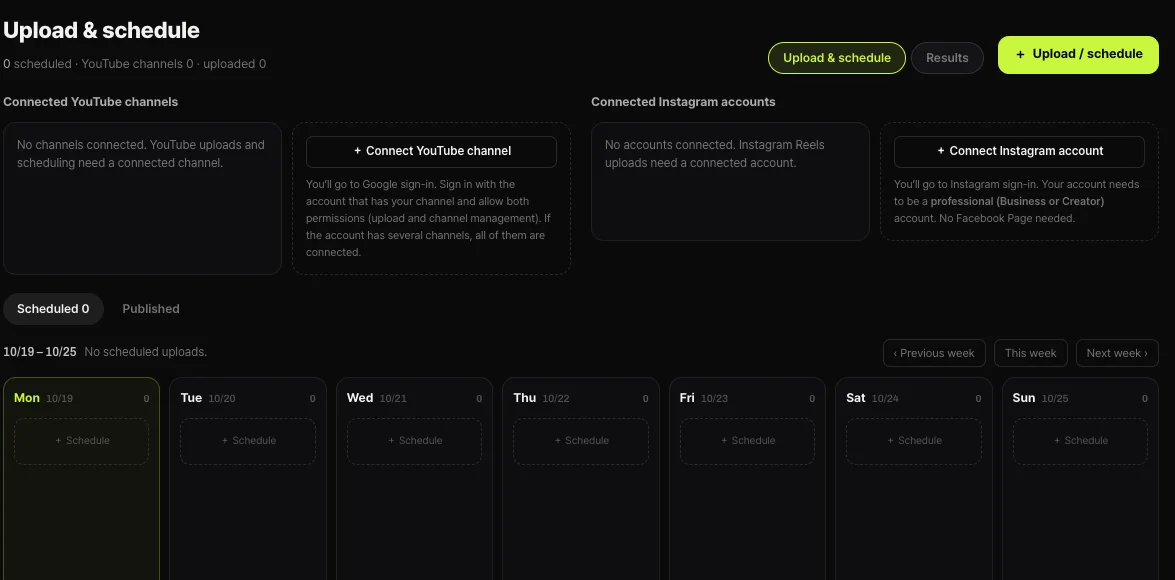
What you set in Shortsmith’s Upload & Schedule window is title, description, tags, visibility and time; items like related video, video location, remix permission and subtitles from the table are not in the window. After the video is up, change them in Studio per video, or with bulk edit.
A Shortsmith scheduled upload is sent at the chosen time, so you cannot adjust it on YouTube beforehand. Right after it goes up, a habit of skimming the table above and tidying what you need is a suggestion from the author.
FAQ
Can I change the title and description after uploading?
Yes. In Studio "Content", click the video’s title or thumbnail, change it and press "Save". Titles allow 100 characters and descriptions 5,000.
Do more tags help search?
YouTube says tags can help correct searches for often-misspelled words, and that their role is otherwise limited.
Can anyone add a related video?
No. You need access to advanced features, the linked video must be public or unlisted, and it must follow the Community Guidelines.
Does video location use my location data?
No. It does not use device location data. It reads places from the description, transcript and frames, and YouTube says it does not affect ads for monetizing partners.
How do I stop others making Shorts from my audio?
Choose whether to allow it under Shorts remixing in the video settings. It is chosen per video.
Can I set a related video in the Shortsmith upload window?
There is no such field. After uploading, set it in Studio on a channel with advanced features.
Sources
- Edit video settings — YouTube Help · checked
- Upload YouTube videos — YouTube Help · checked