Understand YouTube copyright strikes — what each strike does, Copyright School and the 3 ways to resolve one (November 2026)
Shortsmith team · Updated
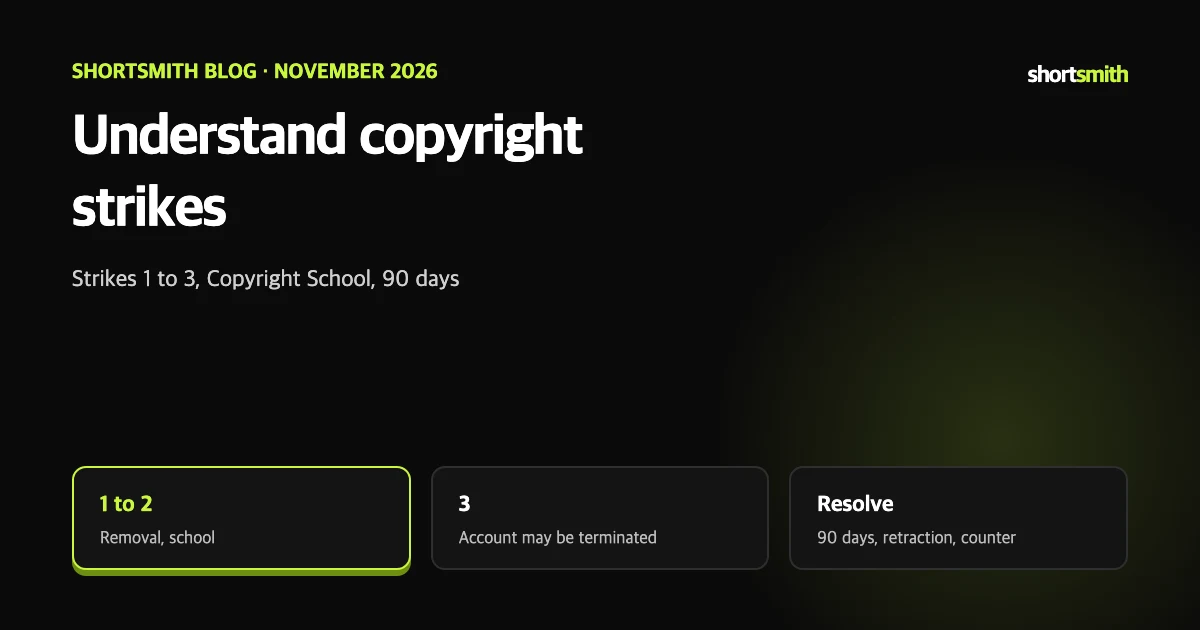
When a removal email arrives, first work out which kind of strike it is. YouTube keeps separate Community Guidelines strikes and copyright strikes, and a copyright claim such as Content ID does not turn into a strike.
This post summarizes YouTube Help’s “Understand copyright strikes” and “Strikes FAQ” as read on November 8, 2026.
Three things to tell apart
If a copyright removal request is received and found valid, YouTube removes the content and applies a copyright strike even the first time, to comply with the law. That is how it differs from the Community Guidelines “warning first” rule.
| Type | What it is | Is it a strike? |
|---|---|---|
| Copyright strike | A valid legal copyright removal request led to removal of your video | Yes |
| Community Guidelines strike | Content that broke the guidelines; a first violation gets a warning only | Yes (first is a warning) |
| Copyright claim (Content ID etc.) | A rights holder monetizes, blocks or tracks | No |
What each strike does
Official notices come from no-reply@youtube.com and explain the reason and how to resolve it. A video can have only one copyright strike at a time. If an active live stream is removed for copyright, a strike applies and live streaming is restricted for seven days.
| Strike | What happens |
|---|---|
| 1 | YouTube removes the content. Completing Copyright School makes it expire after 90 days; otherwise it stays |
| 2 | Same steps; Copyright School completion lets it expire after 90 days |
| 3 | Your account and all linked channels may be terminated, you lose access to uploads and cannot create new channels |
Copyright School and the 90 days
- Copyright School is four questions about how copyright works on YouTube.
- You must complete it to clear an active strike, and only once.
- After you complete it, the strike expires 90 days after it was applied to your channel.
- The help page applies this when you have fewer than three strikes.
Three ways to resolve a strike
- Complete Copyright School and wait 90 days — simplest, but the strike stays meanwhile.
- Request a retraction — contact the person who filed the removal request. If retracted, the strike is removed unless other videos are tied to it.
- Submit a valid counter notification — only if you believe it was a mistake or covered by an exception such as fair use.
If removal is only “scheduled”, delete within 7 days
When a removal request is pending, deleting the content yourself within 7 days can sometimes avoid a strike. Your strike email from no-reply@youtube.com says whether this option exists.
Find your strikes
If you cannot access your channel, the same information is in the email YouTube sent.
- Sign in to YouTube Studio.
- See Current copyright strikes on the Dashboard, or open Content and use the Copyright filter.
- For a video marked Removed, hover over Copyright in the Restrictions column and select View details.
- On the overview page see how the strike affects the video and channel, its status, the content used, the claimant’s name and when it appears in your video.
A checklist when the strike email arrives
A first Community Guidelines violation only gets a warning, with optional policy training that lets it expire after 90 days, but copyright strikes apply even the first time because of legal requirements. The help pages say both systems aim to help you avoid repeating the mistake. Content can also be removed for reasons other than copyright, so read the reason line in the email.
- Confirm it is an official notice from no-reply@youtube.com and which kind of strike it is.
- In the Studio Dashboard or Content tab, see which video, which part and who filed it.
- If you have not completed Copyright School, do it first; it is the condition for 90-day expiry.
- If it looks like a mistake consider a counter notification; if you can reach the claimant, consider asking for a retraction.
- If other videos use the same material, check them so it does not happen again.
Habits that help, and Shortsmith
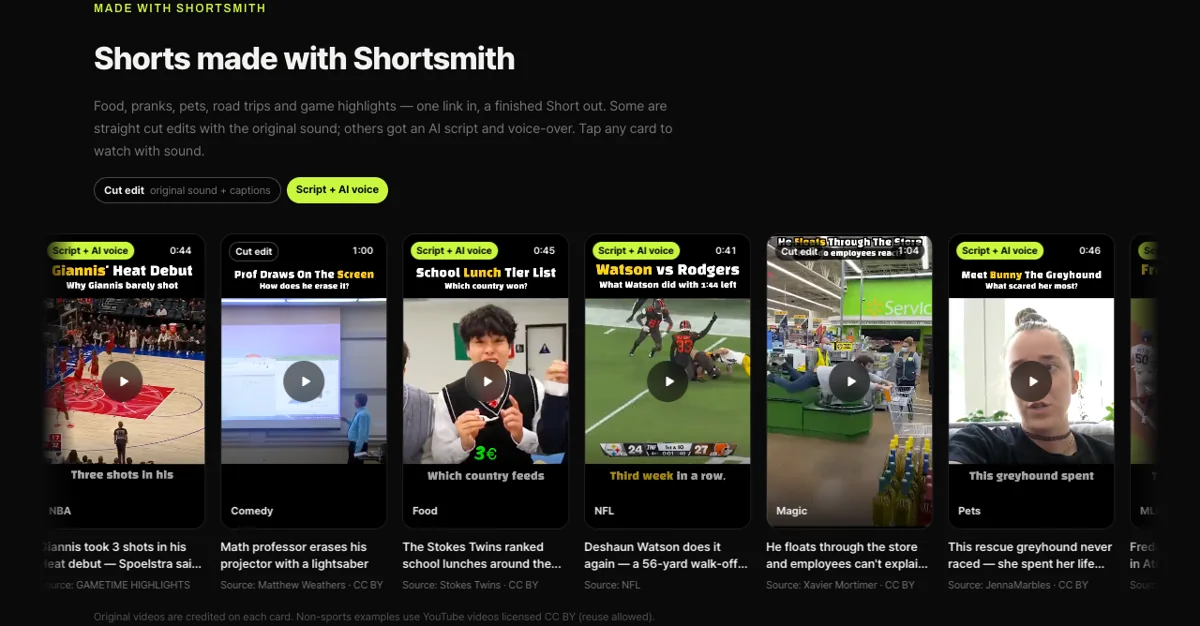
The surest prevention is checking the permitted use before you use someone else’s video or music. When Shortsmith uses CC BY videos that allow reuse, it names the original channel and license on each card. Even with CC BY you must follow the license terms, and music in the video is not automatically free, so check once more before uploading.
Key points
The structure of copyright strikes in seven lines.
- A copyright strike follows a valid legal removal request and differs from a Content ID claim.
- Strikes 1 and 2 remove the video; at 3 the account and all channels may be terminated.
- Complete Copyright School (four questions) once and a strike expires 90 days after it was applied.
- Resolve via 90-day wait, a retraction request or a valid counter notification.
- If removal is only scheduled, deleting within 7 days can sometimes avoid a strike.
- A video carries only one copyright strike at a time.
- If an active live stream is removed, a strike applies and live is restricted for 7 days.
How to check whether the help pages have changed
YouTube Help updates its documents whenever a feature changes, and translations lag by language, so the Korean and English versions can differ slightly. The figures and conditions here come from pages read on November 8, 2026 and may have changed since.
Before making an important decision, open the original links under Sources and compare them with what you see now. Eligibility rules, time limits and numeric caps change most often. If a menu name looks different, look for a similar item in the same place; if it is missing, the feature may not be enabled for your account yet. Statements about Shortsmith reflect its screens and code as of November 2026.
FAQ
Is a copyright claim the same as a strike?
No. Claims such as Content ID do not lead to strikes.
What happens at three strikes?
Your account and all linked channels may be terminated and you cannot create new channels.
How long is Copyright School?
Four questions, and you only need to complete it once.
When does a strike expire?
After Copyright School, 90 days after the strike was applied.
Can a live stream get a strike?
Yes. An active stream removed for copyright earns a strike and a seven-day live restriction.
Sources
- Understand copyright strikes — YouTube Help · checked
- Strikes FAQ — YouTube Help · checked