When a Content ID claim hits your Short: keep, remove, dispute or appeal, and how it differs from a strike (November 2026)
Shortsmith team · Updated
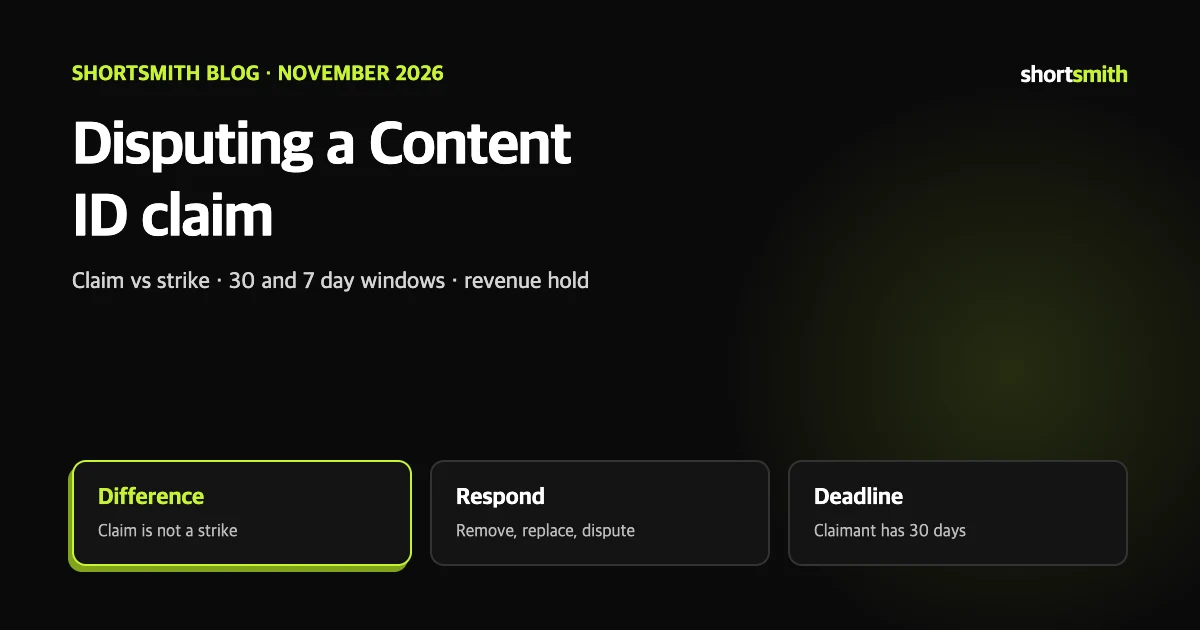
You upload a Short and see a “copyright claim” on it. It is tempting to hit Dispute at once, but the first thing to know is that this is not a strike. A Content ID claim affects the video and generally not the channel or account, and there are several ways to respond.
This guide is based on four YouTube Help pages read on November 3, 2026: “Learn about copyright claims”, “Dispute a copyright claim”, “Appeal a copyright claim” and “Monetization during copyright claim disputes”. Which music is safe to use is covered in our Shorts music guide; here we follow the steps once a claim has already landed.
A claim is not a copyright strike
Help says a claim does not necessarily mean trouble. Owners often allow use in exchange for running ads. Owners who do not want reuse can block the video worldwide or in some regions, and actions can vary by region. The strike system is covered in our Community Guidelines strikes guide.
| Content ID claim | Takedown request, then strike | |
|---|---|---|
| How it arises | Created automatically when an upload matches another video in the system | A rights holder files a legal takedown request |
| Effect | Affects the video, generally not the channel or account | If valid, the video is removed and the channel gets a strike |
| What the owner chooses | Block, monetize with ads (sometimes sharing revenue), or track viewing stats | Removal of the video |
Shorts are handled by length
- A regular video over 3 minutes stays watchable with a claim if the policy is track or monetize.
- A 1 to 3 minute Short with an active claim is blocked regardless of policy. No copyright strike is issued in that case.
- Since October 15, 2024, new vertical videos of 1 to 3 minutes are classed as Shorts; for official artist channels and channels linked to music rights owners the date is December 8, 2025.
- When you upload a 1 to 3 minute Short and a claim is found, you are notified, and once it is resolved the Short can be watched.
Finding out whether, and by whom, you were claimed
An unfamiliar name does not make a claim invalid. Different segments of a video can be claimed by several claimants, and one segment can carry several claims across regions. For music, a collective rights management organization may be the claimant.
- In YouTube Studio open Content. For a Short, go to the Shorts tab.
- Click Copyright in the filter bar and find the video.
- Hover over the claim in the Restrictions column. “Copyright – Takedown” means a takedown request applies.
- Click See details, then See details under Content used, and look at Claimant.
Four ways to respond
- Leave it: if the claim looks valid, do nothing. You can change your mind later.
- Remove the claimed content: without uploading a new video you can mute just the song (or all audio), trim out the claimed segment, or replace the audio with a track from the YouTube Audio Library. Removing it clears the claim automatically.
- Share revenue: if you are in the Partner Program and music is claimed, revenue sharing with the label may be possible.
- Dispute: only when you are confident the claim is wrong and that you hold every right needed.
Removing is often faster
A dispute can mean waiting up to 30 days for the claimant. If the claimed part is short and not essential, muting the song or trimming the segment usually finishes sooner. That is our opinion.
Valid and invalid grounds for a dispute
YouTube does not decide whether a dispute is valid and does not judge exceptions such as fair use; the claimant reviews the initial dispute and any appeal. If you are unsure, Help suggests getting legal advice before disputing. Repeated or abusive disputes can lead to penalties for the video or channel, and if you dispute without good reason and the owner files a valid takedown request, your channel receives a copyright strike.
| Valid grounds | Not valid grounds |
|---|---|
| You hold all the rights needed for your content | You credited the copyright owner |
| The content falls under a copyright exception such as fair use | You own a copy of the video or song |
| The video was misidentified or there was an error | You chose not to monetize the video |
Filing a dispute, and what follows
The claimant is notified and must respond within 30 days. They can release the claim, uphold it, or submit a copyright takedown request; if they do not respond within 30 days the claim expires and is removed automatically. If it is upheld you may be able to appeal, and then the claimant has 7 days to respond. For a claim that blocks your video, an “escalate appeal” option may let you skip the initial dispute step. You cannot cancel a dispute once it is submitted.
If the claimant files a takedown request and it is valid, the video is removed and your channel gets a copyright strike. If you are sure the takedown is mistaken, Help says you can submit a counter notification.
- In Studio Content, on the Videos tab, use the Copyright filter to find the video.
- Click See details over the claim in the Restrictions column.
- Under Content used, find the claim and choose Take action, then Dispute.
What happens to revenue during a dispute
If the video is monetized and you dispute within 5 days, revenue earned from the day of the claim is held and ads keep running. If you dispute after 5 days, the hold starts from the day you disputed. If you do nothing, held revenue goes to the claimant once 5 days have passed. Revenue data from the dispute period appears in analytics only after the claim is released; if it is resolved early in a month it shows between the 10th and 20th of the next month.
If you do not want to earn money during the dispute you can turn monetization off on the video page in Studio. Help stresses that YouTube does not mediate copyright disputes.
If you use Shortsmith
Shortsmith makes videos and posts them to your connected channel; disputes and appeals are handled only in YouTube Studio. Shortsmith does not check the rights to music inside the footage for you. Music in source footage can also be subject to Content ID, so if a claim lands, consider muting the song or trimming the segment first, following the steps above.
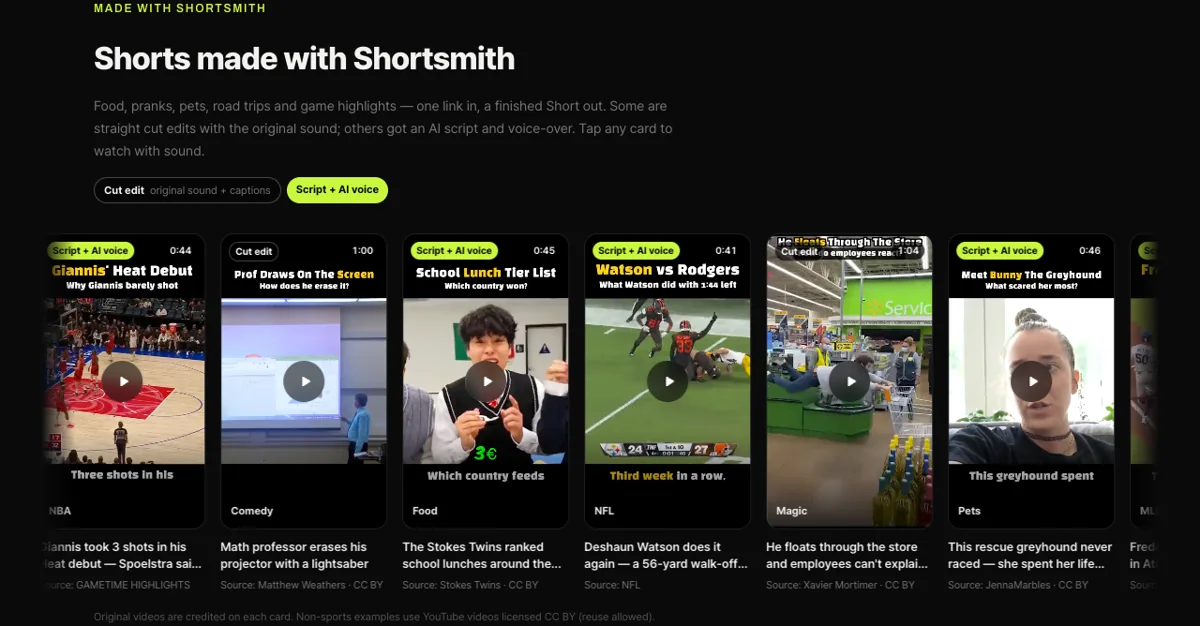
To lower the risk from the start, you can use videos that allow reuse. Each example card on Shortsmith’s home page credits the original creator and the CC BY license.
FAQ
Does a claim give my channel a strike?
No. A Content ID claim alone does not. A strike comes from a valid copyright takedown request.
How long does a dispute take?
The claimant must respond within 30 days. If they do not, the claim expires and is removed automatically.
Can I cancel a dispute?
No. Once submitted, a dispute cannot be cancelled.
Is crediting the owner a valid ground?
No. Naming the owner, owning a copy, or choosing not to monetize are not valid grounds.
My 2-minute Short has a claim.
A 1 to 3 minute Short with an active claim is blocked regardless of policy. You can remove the claimed content or dispute, and no strike is issued for the claim.
Can I dispute from Shortsmith?
No. Disputes and appeals are filed only in YouTube Studio.
Sources
- Learn about copyright claims - Computer — YouTube Help · checked
- Dispute a copyright claim - Computer — YouTube Help · checked
- Monetization during copyright claim disputes — YouTube Help · checked