What to do when your video is reuploaded — YouTube’s Copyright Match Tool, copyright removal requests and what not to do (October 2026)
Shortsmith team · Updated
If another channel reuploads a Short you made, there are two routes. One is the Copyright Match Tool under “Content detection” in YouTube Studio, where you find the reupload and choose Archive, Request removal or Contact channel. The other is submitting a copyright removal request yourself, which is a legal process. The tool finds videos that match yours in full or nearly in full, but a match doesn’t mean infringement. The judgment is yours.
This guide is based on YouTube Help’s “Learn about the Copyright Match Tool”, “Use the Copyright Match Tool”, “Submit a copyright removal request”, “Impersonation policy” and “Fair use on YouTube”, checked on October 29, 2026. It isn’t legal advice, and a removal request should be made honestly and only by someone with the rights.
What the tool finds and what it doesn’t
The Copyright Match Tool scans for full reuploads of your videos on other YouTube channels. It scans videos uploaded after yours, so you need to be the first to upload the content to YouTube. It is meant to find full or nearly-full matches, so if someone used only a short clip of your video, it may not be surfaced.
| Situation | Does the tool find it? | What to use instead |
|---|---|---|
| Your whole video was reuploaded | Yes (if you uploaded first) | Act on it right in the tool |
| Only a short clip of your video was used | It may not be surfaced | Report it with the copyright removal request form |
| Only part of your song or audio was used | No | Report it with the copyright removal request form |
| A channel pretending to be you | Not applicable (an impersonation issue, not copyright) | Report it with the impersonation form |
| Asking to remove a whole channel or playlist | Not applicable | Not possible — requests are per video |
How you get access — one removal request opens it
The Copyright Match Tool is available to any channel that has filled out a valid copyright removal request or YouTube’s separate form. Once your removal request is approved, the tool starts scanning uploads for potential matches to the videos reported in your request, and you review those matches and decide what to do. For channels in the YouTube Partner Program (YPP), the tool is available on the Copyright page in YouTube Studio.
Each match is only surfaced once. If you archive it, it won’t appear in your Matches tab again, and you don’t have to take action on every match.
How to review matches
- Sign in to YouTube Studio on a computer or mobile browser and select “Content detection” from the left menu.
- In the Matches tab, review the matching videos. You can filter by number of views (Total views) or by channel size (Subscribers).
- Check the box next to the video you want to act on.
- Choose Archive, Request removal or Contact channel.
- When a new match is found, you get a bell notification on your channel page, and YouTube suggests checking the Matches tab often.
- Potential matches found by the “Prevent copies” feature are under Copyright → Removal Requests, in the “Find matches” column, with “View matches”. That feature scans public videos only.
- If you successfully remove someone’s video that used your song or audio, the tool also surfaces other videos with audio that could match, including audio that was replaced or dubbed.
A match isn’t infringement
Just because a matching video was found doesn’t mean it’s infringing your copyright. It’s your responsibility to review each match and consider whether fair use, fair dealing or a similar copyright exception applies.
The three actions compared — Archive, Request removal, Contact channel
YouTube explains that many creators give other channels permission to reupload their videos, and that sometimes creators reach a licensing agreement after a reupload or collaborate on videos and upload copies to several channels. YouTube can only tell who uploaded a video first, not who owns it or has permission to upload it, so before you request removal of a match, make sure it isn’t one of those cases.
| Action | What happens | When it fits |
|---|---|---|
| Archive | Removes the match from your Matches tab. The matching video itself isn’t deleted or affected, and you can see archived matches in the Archive tab. | You gave permission, it’s a collaboration or licensed upload, or you don’t need to act |
| Request removal | Opens the copyright removal request form. Requests you submit appear in the Removal Requests tab. | You never gave permission and no exception applies, and you want it removed through the legal process |
| Contact channel | Sends the uploader a pre-written email. Past emails are in your Messages tab. | It may be a misunderstanding and you’d rather talk first |
Copyright removal requests — six things to know before you submit
- Sign in to YouTube Studio with the account associated with your channel.
- From the left menu, select “Content detection”.
- Click “New removal request” and fill in the form.
- See your past requests under “Content detection” → “Removal requests”.
- It’s a legal process. Copyright owners (or an authorized representative such as an attorney) should submit, and false information can lead to account termination or other legal consequences.
- You may be asked to confirm you considered exceptions such as fair use or public domain, and without a sufficient response the request may be invalid and won’t take effect.
- You can schedule a removal request to take effect in 7 days, which gives the uploader 7 days to act and avoid a copyright strike.
- When you submit through YouTube Studio, you can choose to prevent future copies of the same content from being uploaded again.
- Legally, YouTube must share certain information with the uploader. The claimant’s name appears in place of the removed video, your full legal name and primary email may be shared and the uploader might get in touch to resolve their strike, while your physical address and phone number stay confidential unless requested as part of a lawsuit. An authorized representative can submit for you if privacy is a concern.
- You can’t request removal of an entire channel or playlist, and a separate request is needed for each allegation.
What happens after you submit
YouTube reviews the request to make sure it has the information required by copyright law and appears valid; if it passes, the content is removed. If information is missing, YouTube contacts the claimant and may ask for a more specific title, evidence of authorization, or confirmation that exceptions such as fair use were considered, and until it has everything the content may stay up.
Shorts link format and submitting by email or mail
The YouTube Studio form is the easiest way, but you can also submit by email, fax or mail. By email, put your contact info, a description of the copyrighted work, direct links to the allegedly infringing content, 2 legal statements and a signature (your full legal name, not a company name) in the body of the email, not as an attachment, and send it to copyright@youtube.com. Links must be in a specific URL format for each content type.
| Content | Valid URL format |
|---|---|
| Shorts | https://www.youtube.com/shorts/xxxxxxxxxxx |
| Videos | www.youtube.com/watch?v=xxxxxxxxxxx |
| Clips | www.youtube.com/clip/xxxxxxxxxxxxxxxxxxxxxxxxxx |
| Comments on videos | The address after clicking the posted date above the comment (…watch?v=…&lc=…) |
| Channel banner images | www.youtube.com/channel/UCxxxxxxxxxxxxxxxxxxxxx (not a video, so email, fax or mail only) |
When the tool doesn’t find it — videos excluded from match scanning
There are three reasons your upload may not be scanned for matches: you weren’t the first to upload the video to YouTube, the video is already protected by Content ID, or the video has a Content ID claim on it. In those cases don’t rely on the tool; look into the removal request form or the Content ID process separately.
What not to do — misuse and false requests
- Intentionally or repeatedly abusing the removal request process — misuse of the Copyright Match Tool can lead to loss of feature access or termination of your account or partnership.
- Probing or reverse engineering the match system — it counts as the same kind of misuse.
- Submitting a request as if you were the owner when you aren’t, or submitting fraudulent documents — this can lead to account termination or other legal consequences.
- Piling requests onto one channel — YouTube says the number of removal requests against a channel is considered in its enforcement, and that if you file many against a channel that’s still live, a mechanism that lets the channel address copyright strikes is likely in effect. If you find new content, you can submit a new request.
If it’s your name or face being used — report impersonation
When a reupload goes beyond “taking my video” and pretends to be “my channel”, the impersonation policy applies rather than copyright. YouTube considers it impersonation when someone uses another individual’s personal info to deceive people into thinking they’re someone else, and tells you to report it with the impersonation form. These are examples from the policy that come closest to this situation.
- Putting “Real” or “Official” into the channel name to pretend to be the authentic version
- Adding words like “Backup”, “Shorts” or “Live” to a creator’s name to pretend to be a backup channel
- Copying profile pictures, banners or specific color schemes (the channel doesn’t have to be 100% identical if the intent is clear)
- Copying someone else’s videos and reposting them as your own without changing anything or adding significant original commentary
AI imitating your face or voice
If you find your personal information, a video featuring you, or AI-generated content mimicking your likeness or voice without your consent, you can file a removal request under YouTube’s privacy guidelines. YouTube weighs factors such as whether the material is parody or satire, or whether it features public officials or well-known individuals.
Before you file — YouTube doesn’t decide fair use
YouTube explains that fair use is a US copyright concept that courts ultimately decide case by case, and says it can’t decide fair use or mediate copyright disputes. The four factors courts weigh are the purpose and character of the use (nonprofit education and adding new meaning favor fair use), the nature of the work, the amount and importance of what was used, and the effect on the market. Crediting the owner or adding a line like “no copyright infringement intended” doesn’t automatically protect anyone.
Exceptions can differ outside the US, and YouTube says it considers local regulations when reviewing removal requests. The same standard applies whether you are receiving or sending a request.
If you made it with Shortsmith — separate what’s yours from what’s borrowed
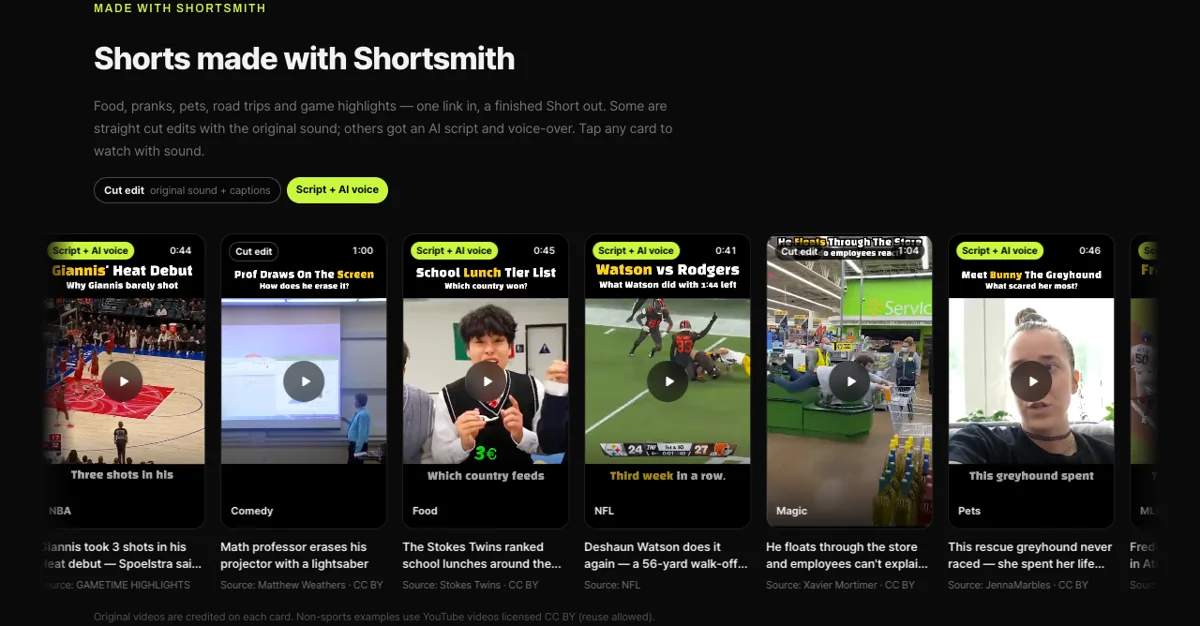
Shortsmith has no feature to find reuploads or file removal requests for you; all of the steps above happen in YouTube Studio. What Shortsmith can help with is the step before that: working out what your video is made of.
A Shortsmith video made from a source video is usually made of a title on top and captions at the bottom plus a commentary voice-over (the parts you add), with the source video in the middle (the part you borrow). A removal request is a process in which the rights holder makes a legal statement that the use isn’t authorized and that they are the owner or an authorized representative. If the source footage belongs to someone else, you may have no right to file for that part, so base a request only on parts where your rights are clear, such as footage you shot yourself or commentary and sound you made that was copied wholesale, and ask a professional if you’re unsure.
When you sort out where your Short ended up, keep the finished file and your upload record together. A finished Shortsmith video can be downloaded from the project’s Download menu as a file such as MP4 or MOV, and the upload date is also recorded in YouTube Studio. Who uploaded first is something YouTube confirms, but having your own materials organized makes the request easier to write.
FAQ
Can the Copyright Match Tool find a video that only used a few scenes from my Short?
It may not be surfaced if someone used only a short clip. The tool looks for full or nearly-full matches, so in that case report it directly with the copyright removal request form.
Does it have to be a video I uploaded first?
Yes. The tool scans videos uploaded after yours. If you weren’t the first to upload, the video is already protected by Content ID, or it has a Content ID claim, it isn’t scanned for matches.
Does a removal request take down the whole channel?
No. Requests are per video, and you can’t request removal of an entire channel or playlist. If you schedule the request to take effect in 7 days, the uploader has that time to act and avoid a copyright strike.
Will the other side see my name and email?
Legally, YouTube has to share certain information with the uploader. Your full legal name and primary email may be shared, while your address and phone number stay confidential unless requested as part of a lawsuit. An authorized representative such as an attorney can submit for you.
Should I report a channel I gave permission to reupload?
No. A permitted reupload, or a collaboration or licensed video, may not be infringement. If it shows up as a match, archive it or use Contact channel to check first.
Can I report a stolen video from inside Shortsmith?
There’s no such feature. Use “Content detection” in YouTube Studio.
Sources
- Learn about the Copyright Match Tool — YouTube Help · checked
- Use the Copyright Match Tool — YouTube Help · checked
- Submit a copyright removal request — YouTube Help · checked
- Impersonation policy — YouTube Help · checked
- Fair use on YouTube — YouTube Help · checked