YouTube copyright counter notifications and retractions — steps, the 10 business days and the risk of false claims (November 2026)
Shortsmith team · Updated
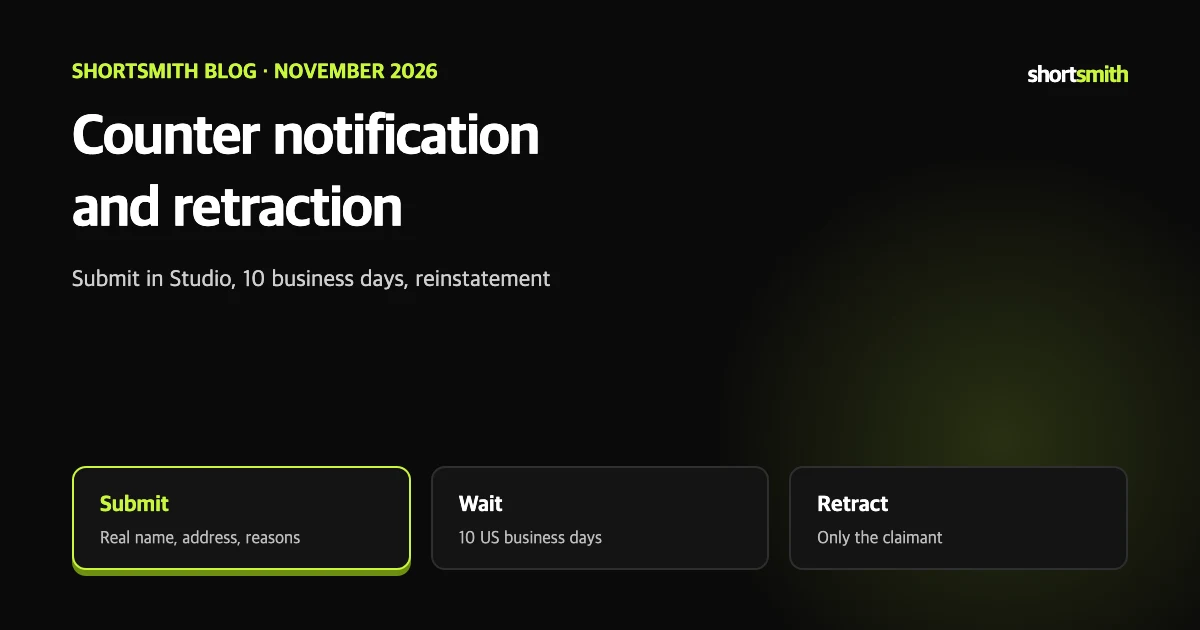
If you got a copyright strike and truly believe the video was removed in error, you can file a counter notification. It is a legal request, not a casual button, and submitting false information can lead to account termination or legal consequences.
This post summarizes YouTube Help’s “Submit a copyright counter notification”, “Respond to a counter notification” and “Retract a copyright removal request” as read on November 8, 2026. It is not legal advice; ask a professional if unsure.
When it is appropriate
- You believe the content was removed by mistake, including misidentification of content covered by an exception such as fair use, fair dealing or public domain.
- If you do not think it was a mistake, completing Copyright School and waiting 90 days or asking for a retraction fits better.
- Make sure you hold rights or permission for every element of the video, including music, even background music.
- The original uploader must submit it; an official representative such as an attorney can file on their behalf.
Your information is shared with the claimant
By law YouTube must share the counter notification with the claimant. If you worry about disclosing personal details, an official representative can submit it by email, fax or mail for you. Abusing the process, for example with false documents, can lead to termination or legal penalties.
Submit it in Studio
Counter notifications for non-video content such as a channel banner can only be sent by email, fax or mail. By email, put all required information in the body, not an attachment, and send it to copyright@youtube.com.
- Sign in to YouTube Studio, open Content and use the Copyright filter.
- For a video marked Removed, hover over Copyright in the Restrictions column and select View details.
- Under Take action on used content, select Submit counter notification.
- Read the requirements, tick the box and select Continue.
- Enter your contact details with your real address and legal name — not a company or channel name.
- Briefly and clearly explain why you believe it was removed by mistake or misidentification.
- Review the statements, tick the box, type your legal name as your signature and select Continue.
- If other videos were removed by the same request and you believe they were also wrong, you can include them. Select Submit.
What happens after you submit
A valid counter notification is passed to the original claimant, who must reply within 10 US business days with proof of legal action. If they do not reply in that window, the content may be reinstated on YouTube.
Accepted proof includes copies of a lawsuit or court order against the uploader or, if the uploader lives in the US, a claim filed with the US Copyright Claims Board (CCB) and its determination. While proof is pending, the content is not reinstated, and proof arriving after reinstatement can lead to removal again.
While you wait
The content is not reinstated while legal action is pending. YouTube can keep it removed while resolving the related strike.
Ask the claimant for a retraction
YouTube does not mediate copyright ownership disputes. If the claimant retracts, the strike is removed unless other videos are tied to it, and the content is restored if you had not deleted it.
- Sign in to YouTube Studio in a computer or mobile browser.
- On the Dashboard select a remaining copyright strike.
- Find the video and select Select action.
- Under Contact claimant, find their contact details and reach out.
How a claimant retracts
- In Studio: under Copyright, open the Removal requests tab, expand the video and select Retract removal (or Retract request if still scheduled).
- By email: the original claimant or an official representative must write from the same email address or company domain to copyright@youtube.com.
- The email needs a correctly formatted video link, a retraction statement and a legal-name signature.
- Only the removal request can be retracted; a strike cannot be retracted by itself.
What to include when filing by email, fax or mail
A useful test before filing is whether you hold rights to every element of the video. If you are not sure, completing Copyright School and waiting 90 days or asking for a retraction is safer, and for legal judgment consider talking to a professional such as an attorney.
- Contact details: your legal name (first and last, not a company name, and if you are a representative your relationship to the uploader), a physical address and a phone number.
- A statement to the claimant: explain in your own clear, concise words why you believe the removal was a mistake or misidentification.
- A link to the content: a link directly to the removed content in the required URL format for its type. For videos that is www.youtube.com/watch?v=.
- Check the help page for the remaining required items and formats; missing items can stop it from being processed.
Reducing the odds on Shortsmith
Before a Shortsmith viral motion video is made, a confirmation box asks that the photo be your own or permitted. Rights to source videos are your responsibility, so using reuse-friendly videos (such as CC BY) and crediting creators makes a counter notification much less likely.
Process summary
The procedure regrouped into seven lines.
- File only if you believe the removal was a mistake or misidentification; the uploader or an official representative files.
- Start from Studio Content, the Copyright filter, the removed video and View details.
- Use your real address and legal name, not a company or channel name.
- The claimant must reply within 10 US business days with proof such as a lawsuit, court order or CCB claim.
- With no reply the content may be reinstated; it stays removed while legal action is pending.
- Only the claimant can retract; a retraction clears the strike or restores the content.
- False filings can lead to termination or legal penalties.
How to check whether the help pages have changed
YouTube Help updates its documents whenever a feature changes, and translations lag by language, so the Korean and English versions can differ slightly. The figures and conditions here come from pages read on November 8, 2026 and may have changed since.
Before making an important decision, open the original links under Sources and compare them with what you see now. Eligibility rules, time limits and numeric caps change most often. If a menu name looks different, look for a similar item in the same place; if it is missing, the feature may not be enabled for your account yet. Statements about Shortsmith reflect its screens and code as of November 2026.
FAQ
Who can file a counter notification?
The original uploader or an official representative such as an attorney.
How long does the claimant have?
10 US business days to reply with proof of legal action.
What if they do not reply?
The content may be reinstated on YouTube.
Can I use a company name?
No. Use your real address and legal name, not a company or channel name.
If the claimant retracts, does the strike go away?
Yes, unless other videos are tied to the strike.
Sources
- Submit a copyright counter notification — YouTube Help · checked
- Respond to a counter notification — YouTube Help · checked
- Retract a copyright removal request — YouTube Help · checked