Why your Instagram Reels get 0 views — recommendations, account status and trial reels (October 2026)
Shortsmith team · Updated
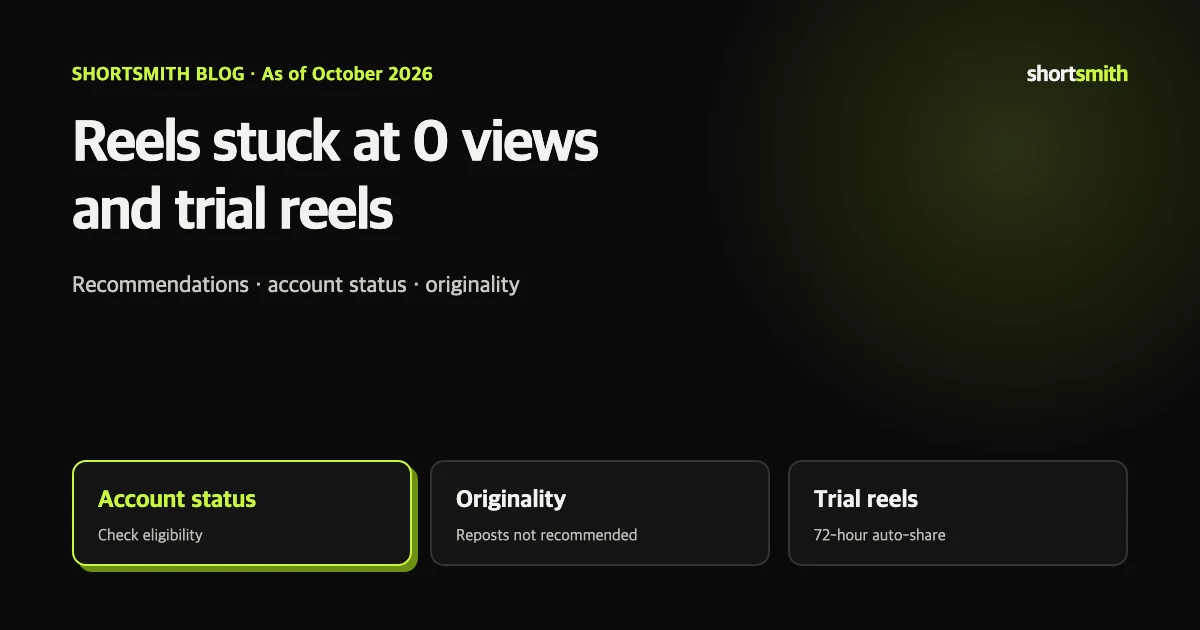
If your Instagram Reels sit at zero views or suddenly stop growing, start with Settings › Account Status and check whether your account can be recommended. Instagram only recommends content from public accounts to people who don’t follow you, and it says that if your account doesn’t meet its recommendation requirements, none of your content will be recommended — even posts that follow the guidelines. If you are eligible, the next thing to check is originality: content mostly reposted from elsewhere with minor edits isn’t recommended.
We checked Instagram Help Center’s “Recommendation eligibility,” “Recommendations on Instagram” and “About trial reels” on October 21, 2026. Instagram doesn’t publish the numbers behind its ranking, so what follows are the stated rules and a checklist built on them.
Checklist when a Reel gets 0 views
| Step | What to check | Where |
|---|---|---|
| 1 | Is the account public? | Settings › Account privacy |
| 2 | Can the account and content be recommended? | Settings › Account Status (professional accounts) |
| 3 | Any recent Community Guidelines violations? | Account Status |
| 4 | Did you repost something already posted elsewhere? | Your upload habits |
| 5 | Was it posted as a trial reel? | “View trial insights” on the Reel |
Check recommendation eligibility in Account Status
Recommendations are the places non-followers see you: Explore, Reels, suggested posts in Feed, Search and suggested accounts. Most Reels views come from there, so when you drop out of recommendations, views fall to roughly your follower reach, and small accounts end up near zero.
With a professional (creator or business) account, Account Status shows whether your content can be recommended to non-followers, whether your profile photo or bio breaks the recommendation guidelines, samples of posts and Reels that can’t currently be recommended, and anything removed for breaking Community Guidelines. You can edit or delete content that breaks the guidelines, or request a review if you disagree.
The decision happens at the account level. Instagram says that if your account doesn’t meet the requirements, none of your content is recommended regardless of whether it breaks the guidelines. Meeting the requirements doesn’t guarantee recommendation either. Your followers can still see your content either way.
When a whole account stops being recommended
That last point matters for anyone making AI video. If you regularly post realistic AI people — short dramas, ads, characters — add the AI-generated profile label and turn on AI disclosure for each post.
- It recently violated Instagram’s Community Guidelines
- It repeatedly or recently shared non-recommendable content in its account name, username, profile photo or bio
- It repeatedly used misleading practices to grow followers, such as buying likes
- It’s banned from running ads on Instagram
- It recently and repeatedly posted content rated false or altered by third-party fact-checkers
- It recently and repeatedly shared content prominently featuring AI-generated people who look real (unless it discloses this with an AI-generated profile label)
Unoriginal content isn’t recommended
Instagram’s recommendation guidelines list, as the first example of low-quality content, “unoriginal content that is largely republished from another source without adding material value” and with only minor edits. Downloading someone else’s clip, adding one caption line and reposting it is likely to fall here. Lengthy captions unrelated to the content and coordinated comment networks used to inflate engagement are in the same group.
Even your own videos need care. The trial reels page warns that if Instagram detects you’ve shared the same content before, the trial reel’s reach may be limited. If you’re reposting a file you already put on YouTube Shorts or TikTok, make a new version with a different opening, captions or length for Reels.
Key point
Originality isn’t about how much you edited but what you added: your explanation, your conclusion, the criteria you chose.
Allowed, but not recommended
Instagram doesn’t recommend content that’s acceptable to keep up but not appropriate to show people who didn’t choose to follow you. Examples include content about self-harm or eating disorders, depictions of violence such as fights, sexually suggestive content, promotion of regulated products like tobacco, vapes, adult products and prescription drugs, and promotion of weight-loss products or cosmetic procedures. Stricter rules apply for people under 18.
Shock-value edits that grab attention can therefore block recommendations. Food, fitness and beauty creators should also check captions for phrasing that reads like weight-loss product promotion.
What trial reels are
Trial reels let you show a Reel to non-followers first, see how it performs, and then share it with followers if it does well. You need a professional account to use them; some selected creators without one have access as part of an ongoing test.
- Create a Reel as usual. It should be new content you haven’t shared before.
- Before sharing, turn on the Trial toggle.
- Tap Share. It won’t appear in followers’ Feed or Reels tab or on your profile grid.
- Within 24 hours, check views, likes, comments and shares in the Reels viewer.
- If it performs well, tap View trial insights › Share to everyone.
Why a trial reel shows 0 or grows slowly
Instagram says trial reels may take longer to get views because it has to find non-followers who will enjoy the content. Wait a day for insights before deleting a trial that starts at zero. Trial reels are treated separately in ranking, so a weak trial doesn’t affect how your regular Reels perform.
If you turn on automatic sharing, Instagram shares a trial reel with your followers when it gets a lot of views in the first 72 hours. Turn it on from the How it works link under the Trial toggle, then Share to everyone automatically; the setting applies to all future trials until you change it. If you share manually, sharing sooner makes it more likely to appear in followers’ feeds.
Some followers may still see a trial in DMs or on pages for the same audio, location or filter, so trials aren’t completely hidden.
A practical recovery routine
- Confirm in Account Status that your content can be recommended, and fix or remove flagged posts.
- Stop reposting identical files from other platforms; change the opening, captions and length.
- Post two or three versions of the same idea with different openings as trial reels and compare their 24-hour insights.
- Share the winner to everyone and reuse its opening style in your next Reels.
Making genuinely new content with Shortsmith
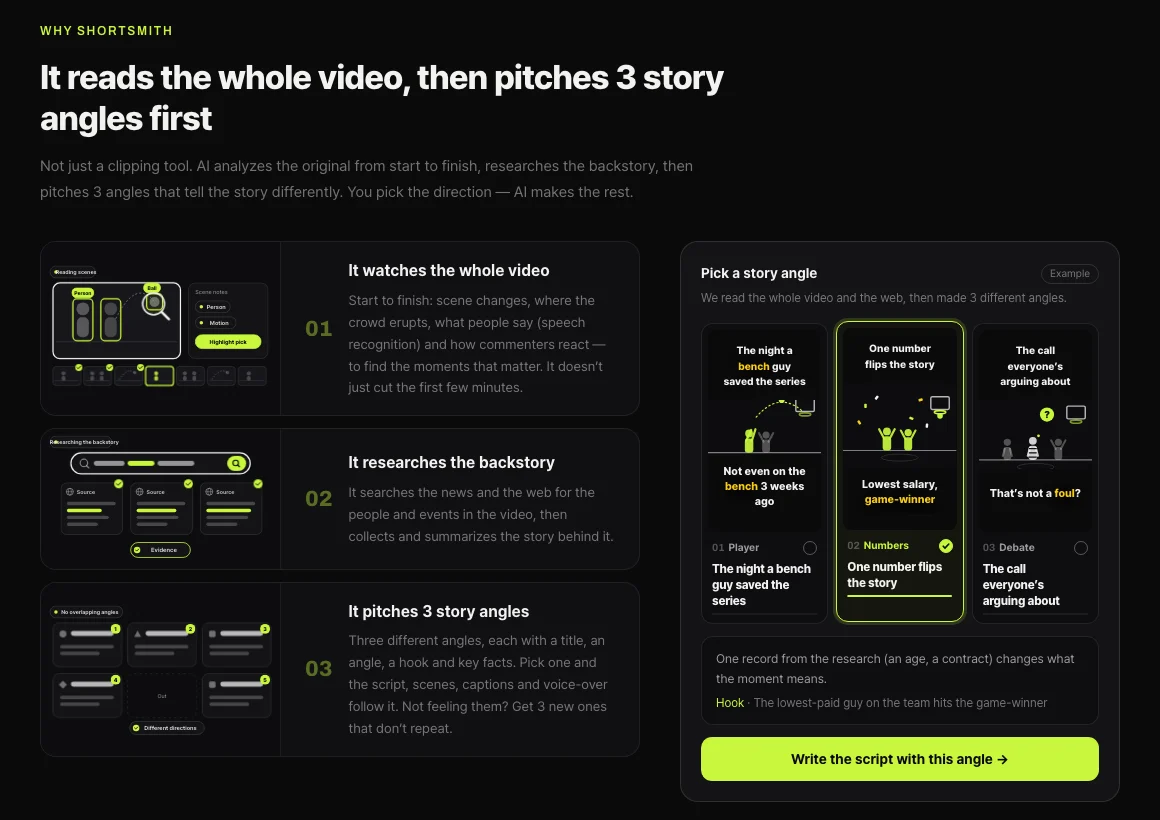
Shortsmith isn’t a clip cutter. Its AI watches the original from start to finish, researches the backstory and pitches three angles that tell the same video differently — a player story, a record, a debate. That gives you three distinct versions of one source, which is exactly what you want to compare as trial reels. Scripts are written to explain why, what it means and what happened next rather than re-narrating each scene, so the result goes beyond a minor edit.
Shortsmith’s direct Instagram upload posts a regular Reel. To test as a trial first, download the finished video and post it from the Instagram app with the Trial toggle on. When your source is someone else’s video, use Creative Commons (CC BY) footage or footage you have rights to, and credit the creator.
FAQ
Is 0 views a shadowban?
Instagram doesn’t use that word; it shows recommendation eligibility in Account Status instead. Check Settings › Account Status first if you have a professional account.
Can private accounts get recommended?
No. Instagram only recommends content from public accounts to non-followers.
Who can use trial reels?
You need a professional account. Some selected creators without one can use them as part of a test.
Does a failed trial hurt my account?
Instagram says trial reels are ranked separately and don’t affect your regular Reels’ performance.
How many views trigger automatic sharing?
Instagram doesn’t publish a number. Trials that get a lot of views in the first 72 hours are shared automatically when the setting is on.
Are Reels with AI people recommended?
Accounts that repeatedly post prominent, realistic AI-generated people can stop being recommended unless they use the AI-generated profile label.
Sources
- Recommendation eligibility on Instagram — Instagram Help Center · checked
- Recommendations on Instagram — Instagram Help Center · checked
- About trial reels on Instagram — Instagram Help Center · checked