YouTube live stream monetization — three mid-roll modes, ad delay, break screens and channel defaults (November 2026)
Shortsmith team · Updated
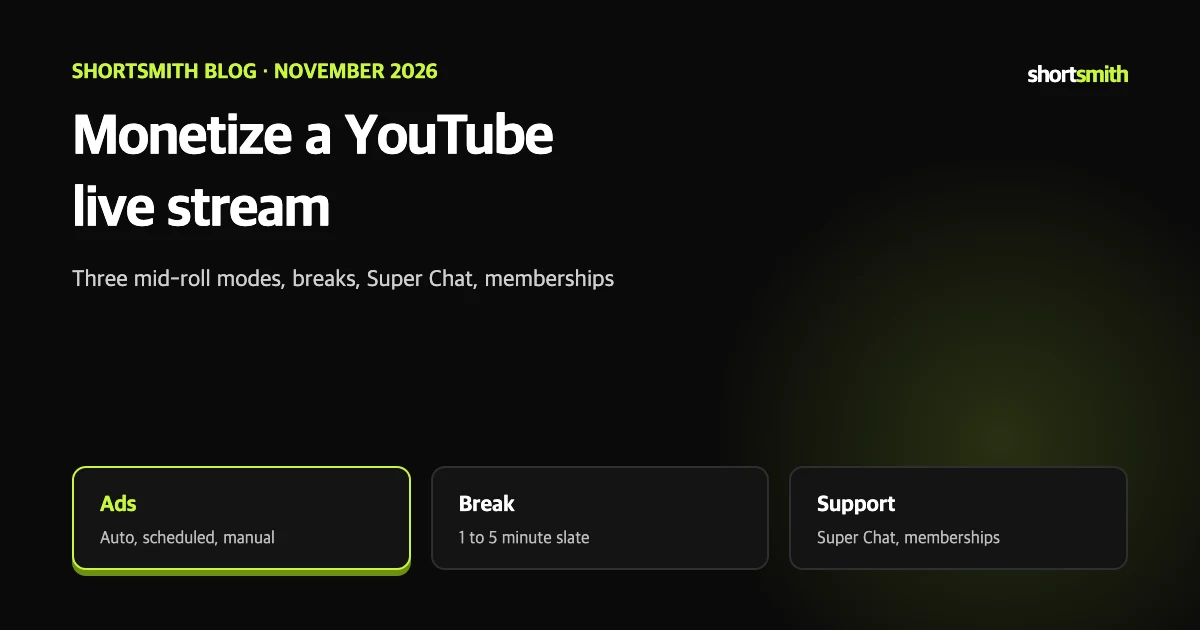
A live stream earns while it is on air, not after it ends. Ads, Super Chat and Super Stickers in live chat, and channel memberships are the main channels, and how you set up ads changes the viewing experience a lot.
This post summarizes YouTube Help’s “Monetize your live stream” as read on November 8, 2026. It does not promise ad revenue, and monetization eligibility differs by channel.
Three ways to earn
An ad slot does not guarantee an ad. YouTube’s systems weigh viewer experience, creator monetization and advertiser value when deciding whether to serve one.
- Ads: if your channel is eligible and monetization is on for the stream, pre-roll and display ads are placed automatically.
- Super Chat and Super Stickers: viewers pay to highlight messages in live chat.
- Channel memberships: perks such as members-only chat.
Autoplay on other sites
If a player embedded on an external site is set to autostart, ads on the live stream are disabled.
The three mid-roll modes
Auto mode has protections for viewers: it limits ad interruptions for channel members, pauses mid-roll for viewers who send gifts, Super Chat or Super Stickers, and pauses it for all viewers during high-engagement moments. The help page says creators who chose live auto mid-roll saw hourly in-stream ad revenue rise by more than 20% on average, a comparison of channels with and without it, not a guarantee for yours.
Side mid-roll plays beside the stream to reduce interruption and appears automatically on eligible streams, but not on streams with captions turned on.
| Mode | How it works | Note |
|---|---|---|
| Auto (recommended) | YouTube places ads at natural breaks; choose Low, Medium or High frequency | Viewers may see ads at different times |
| Scheduled | Choose a gap of 6, 12, 18, 24 or 30 minutes | May earn less than Auto |
| Manual | Pick every mid-roll moment yourself during the stream | If you insert none, no mid-roll runs |
Set it up
Channels monetized without Rights Management can set mid-roll defaults for future streams at channel level through Settings at the bottom left of the live control room. The default is the recommended Auto Medium option, and you can change it any time.
- In YouTube Studio select Create, then Go live.
- Start right away on the Stream tab or schedule one on the Manage tab.
- At the top select Edit, then Monetization.
- Make sure Monetization is On.
- Under Live ad settings, choose Auto, Scheduled or Manual for when ads run.
Ad delay and break screens
- Ad delay: in Auto mode, select Delay ads at the top right of the live control room at an important moment to hold mid-roll for 10 minutes. Mid-roll you placed manually still runs.
- Break: from the stopwatch in the live control room choose 1, 3 or 5 minutes for a temporary away screen. The break does not end by itself when the countdown reaches zero; end it yourself.
- Away slate: choose the overlay under Settings, then the Overlays for ad breaks tab at the bottom left.
No ad does not stop the stream
Not every viewer gets a mid-roll. When there is no ad viewers keep watching, and after skipping or finishing an ad they return to the stream.
See what you earned
YouTube Analytics breaks down ad revenue from live streams and live replays, and the Live filter shows live ad revenue only. Live streams are also subject to advertiser-friendly content guidelines and limits on paid product placements and direct ads, so check the policies before you go live.
How made-for-kids and age limits affect ads
Rather than setting everything right before going live, set channel-level defaults first and change only what each stream needs. If ad interruptions worry you on a first live stream, you can start with the recommended Auto mode at Low frequency and raise it as you see how viewers react.
- If a live stream or Premiere is made for kids, personalized ads are disabled and only contextual ads may run.
- Made for kids also disables live chat, chat replay and Super Chat, narrowing support income.
- Advertiser-friendly content guidelines and limits on paid product placements and direct ads apply to live streams too.
- Members-only live streams let you give loyal viewers special content as a membership perk.
Connecting Shortsmith videos to live revenue
Shortsmith is not a live broadcasting tool, but you can turn live highlights into Shorts to bring viewers to your channel. When you make videos in Shortsmith, respect source credits and licenses.
Settings summary
Eight lines so you can check live ad settings before you go on air.
- With monetization on, pre-roll and display ads run automatically.
- Mid-roll comes in three modes: Auto (Low, Medium, High), Scheduled (6 to 30 minutes) and Manual.
- In Manual mode, no mid-roll runs unless you insert one.
- Auto mode pauses mid-roll for supporters and high-engagement moments.
- Delay ads holds mid-roll for 10 minutes in Auto mode.
- Breaks are 1, 3 or 5 minutes and must be ended manually.
- Live ads are off in autostart players embedded on external sites.
- See revenue with the Live filter in Analytics.
How to check whether the help pages have changed
YouTube Help updates its documents whenever a feature changes, and translations lag by language, so the Korean and English versions can differ slightly. The figures and conditions here come from pages read on November 8, 2026 and may have changed since.
Before making an important decision, open the original links under Sources and compare them with what you see now. Eligibility rules, time limits and numeric caps change most often. If a menu name looks different, look for a similar item in the same place; if it is missing, the feature may not be enabled for your account yet. Statements about Shortsmith reflect its screens and code as of November 2026.
FAQ
Do live ads run automatically?
With monetization on, pre-roll and display ads are placed automatically; for mid-roll you choose Auto, Scheduled or Manual.
What gaps can I set for scheduled mid-roll?
6, 12, 18, 24 or 30 minutes.
Can I hold ads at a key moment?
In Auto mode, Delay ads pauses mid-roll for 10 minutes.
How long can a break be?
1, 3 or 5 minutes, and you must end it yourself.
Where do I see live ad revenue?
In YouTube Analytics with the Live filter.
Sources
- Monetize your live stream — YouTube Help · checked
- Avoid restrictions on YouTube live streaming — YouTube Help · checked