Posting to your YouTube channel: limits per type, scheduling, mentions and where posts appear (November 2026)
Shortsmith team · Updated
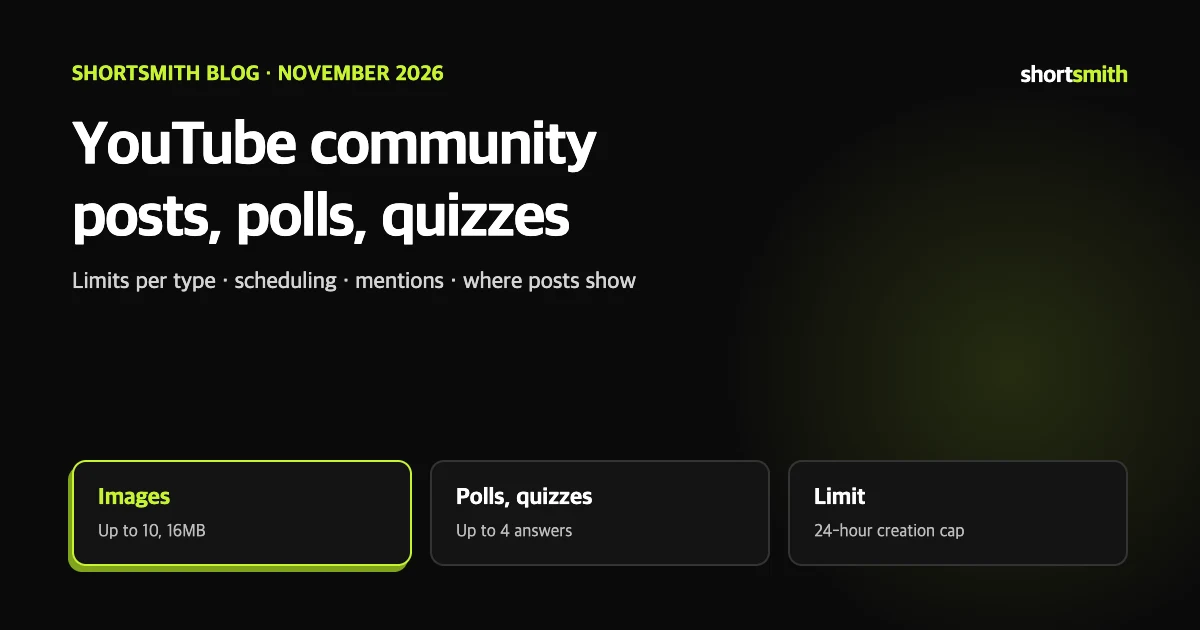
A channel can meet its viewers even on days you do not upload. Posts let you interact through text, images, GIFs, videos, polls and quizzes, and subscribers get a post notification. Each type has its own length and count limits, and channels set as made for kids cannot use posts at all.
This guide is based on the YouTube Help pages “Create a post”, “Learn about posts” and “Optimize text & image posts”, read on November 6, 2026. The notification limits are in our notifications guide and Home tab layout is in our Home tab guide.
Limits by type at a glance
| Type | Limit or spec | Worth knowing |
|---|---|---|
| Text | Can accompany a video, image or GIF | Cannot be combined with a poll |
| Image or GIF | Up to 10, 16MB, JPG, PNG, GIF or WEBP | 1:1 ratio recommended; viewers can tap to see the full image |
| Video | Search, paste a URL or pick from your channel | Sharing another creator’s video can notify the original uploader |
| Text poll | Question plus up to 4 answers (65 characters each in English) | Image poll option captions are 36 characters in English |
| Quiz | Up to 4 answers, one correct, explanation up to 500 characters in English | In Studio you can add up to 10 quizzes to a video |
Creating and scheduling a post
YouTube limits how many posts a channel can create in 24 hours to protect the community. If you see a “limit reached” error, try again after 24 hours. Scheduled posts appear in the Scheduled section of the Posts tab in Studio Content and on your channel’s Posts tab, visible only to you. Expired posts can be found under Archived.
Type @ before a handle or channel name to mention another channel; it is notified, and viewers can tap the mention to go to that channel page.
- Sign in to YouTube and choose Create, then Create post, at the top of the page.
- Write a message, or choose Video, Poll, Quiz or Image from the bottom menu.
- Choose Post. To schedule, open the dropdown arrow beside Post, choose Schedule post, pick a date, time and time zone, and select Schedule.
Using polls and quizzes
- Text poll: write the question under “Ask the community” and the answers under “Add option”. Up to 4 answers.
- Image poll: upload answer images and add a caption to each option. Up to 4 images.
- Quiz: write the question and answers and choose one correct answer. You can optionally add why it is correct.
- A quiz on a video is added in web Studio, at the “Video elements” step of upload or in Details or the editor, with a timestamp. You can add up to 10 per video, and once saved it cannot be edited, so delete and recreate it to change it.
Flooding polls breaks policy
Mass-posting low-quality polls several times a day, such as “like food? tap the heart”, is classed as fake engagement. Use polls only when you really want to ask something.
Where posts appear
Viewers see your posts in the Posts section of your channel Home tab or on the Posts tab. Posts can also appear on viewers’ home pages and subscriptions feeds, and image posts can appear in the Shorts feed too. Subscribers get a post notification, and only one community post notification can be sent every three days. Help also notes that engaging with other creators’ posts can make your viewers more likely to see them.
The Posts section sits at the bottom of the Home tab by default. In Studio, go to Customization, Home tab, Layout to drag it up or down, or use Delete section to remove it.
When you cannot post, and comment settings
Posts that break the Community Guidelines are removed and the channel can receive a strike, and channels that violate them can lose access to features such as posts. Images follow the same rule.
- Posts are unavailable on supervised accounts.
- If the channel audience is set to made for kids, the Posts tab is visible only to you, you cannot create new posts, and you can only view old ones.
- Posts are currently unavailable in Germany, and access can depend on your channel role.
- If comments are off on a post, check whether the channel default is set to “Do not allow comments”. A post that shares a video follows that video’s comment settings.
AI tools in the app are limited by region
In the YouTube app you can add music, text, stickers and filters to image posts. Generative AI tools such as the rewrite tool, Dream Screen image generation and AI image editing are limited to certain countries, mobile apps and, for some, English. Posts made with these tools get an automatic altered or synthetic content disclosure, and AI-generated content may carry C2PA provenance data. Check in the app whether they are available where you are.
If you use Shortsmith
Shortsmith makes videos and posts them to your connected channel; it has no feature for writing or scheduling YouTube community posts, which you do directly on YouTube. If you have scheduled a video in Shortsmith, you can tease it with a post timed to the video’s release. That is our suggestion.
FAQ
How many posts can I make a day?
YouTube limits posts per channel in 24 hours. If you hit the limit, try again after 24 hours.
Can I schedule a post?
Yes. Use the dropdown beside Post, choose Schedule post and set a date, time and time zone.
How many images, and which formats?
Up to 10, 16MB each, JPG, PNG, GIF or WEBP. A 1:1 ratio is recommended.
Can I edit a quiz after saving?
No. A quiz added to a video in Studio cannot be edited after saving; delete and recreate it.
Can a made-for-kids channel post?
No. You cannot create new posts and the Posts tab is visible only to you.
Can I post from Shortsmith?
No. Community posts are made directly on YouTube.
Sources
- Create a post - Computer — YouTube Help · checked
- Learn about posts — YouTube Help · checked
- Optimize text & image posts — YouTube Help · checked