Getting notifications to subscribers: bell settings, the 3-per-day limit and skipping alerts (November 2026)
Shortsmith team · Updated
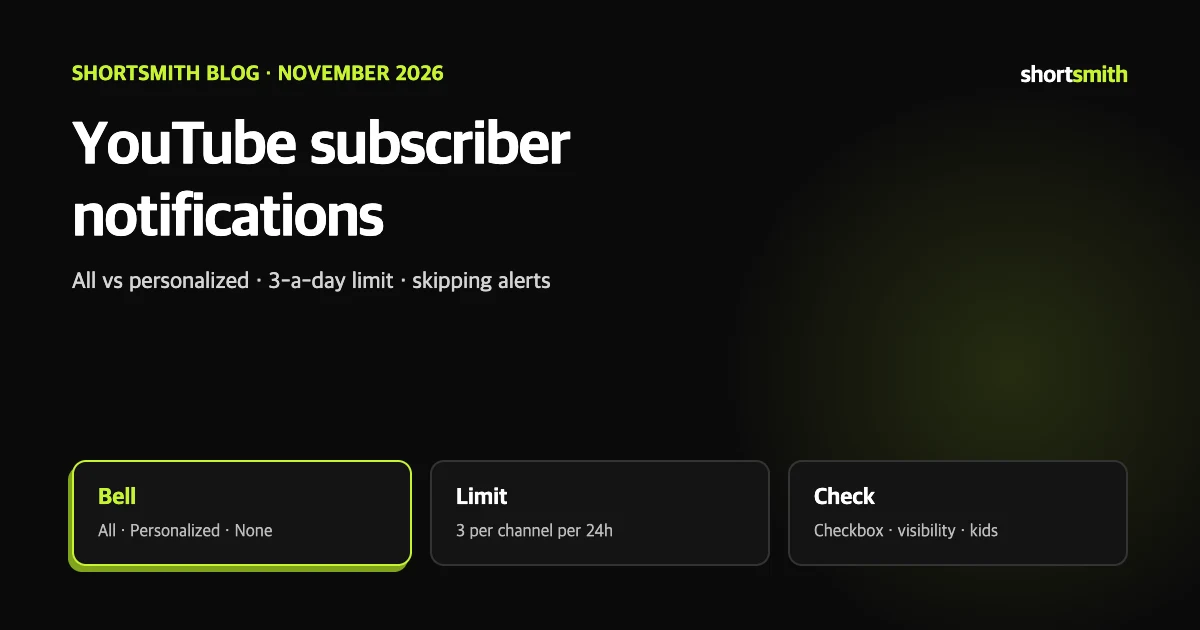
If you are not sure your subscribers were notified about a new video, start with one fact: a notification is not something the uploader simply sends. It arrives only when the upload checkbox, the viewer’s bell setting, the viewer’s device settings and the limit of three alerts per channel per 24 hours all line up.
This guide is based on four YouTube Help pages read on November 3, 2026: “Manage YouTube notifications”, “Fix subscriber notification problems”, “Skip sending upload notifications” and “Check subscriber notifications”. The limit matters most if you post several videos in a row.
The three bell settings
Subscribing turns on personalized notifications automatically. If a viewer unsubscribes and resubscribes, the setting resets to personalized or none, so anyone who wants every upload has to choose All again. Help adds that subscribers on personalized alerts still matter: they see all your uploads in their subscription feed.
| Setting | What the viewer gets | What it means for you |
|---|---|---|
| All | Alerts for long-form uploads and live streams, and possibly personalized Shorts alerts based on subscriptions and watch history | Receives your channel’s notifications except those over the daily limit |
| Personalized | Alerts for some uploads, Shorts and live streams | Timing is chosen from watch history, how often they watch, video popularity and how often they open alerts |
| None | No alerts | This bell is also shown when device settings block your channel’s alerts |
The 3-per-day limit and bulk uploads
A viewer can get up to three notifications per channel in a 24-hour period, counting uploads, live streams and Premieres. Only one community post notification can go out every three days. YouTube explains that too many alerts make viewers switch notifications off entirely, which hurts every creator.
If you publish more than three videos in a short window, notifications can be paused for 24 hours, even when all but one video had notifications turned off. Help recommends uploading as private first and then publishing each video at a different time.
How to skip upload notifications
Subscribers then get no notification and will not see the video in their subscriptions feed, and the “Bell notifications sent” card in YouTube Analytics shows 0%. Alerts for public live streams cannot be turned off. The feature is described for people who upload more than three videos a day and want to choose which ones send alerts.
- In YouTube Studio choose Create, Upload videos, then Select files.
- Pick your file, fill in the details and click More options.
- Under License, clear “Publish to subscriptions feed and notify subscribers”.
When notifications do not go out
- Check that the notify checkbox was selected when you uploaded.
- Count what you published in the last 24 hours. If three alerts already went out, no more will.
- Make sure you did not switch the video to private within 10 to 20 minutes of publishing. Delivery usually takes that long, and going private earlier stops it.
- Check for a sharp swing in subscriber count before publishing. Alerts are still sent to everyone eligible, but reporting delays can show some as not received.
- If the channel or video audience is set to made for kids, notifications are disabled and the setting cannot be changed.
- Ask viewers to check their own settings. Help says nearly all notification problems come from viewer settings, and points to a troubleshooter you can share.
Settings you cannot control
A viewer’s device notification settings and Chrome notification settings override YouTube’s own. If they are blocked on that side, there is nothing a creator can change.
Reading notification results in Studio
Once you have enough subscribers, a “Subscriber bell notifications” card appears on the Audience tab of Studio analytics. It shows what share of subscribers turned on All notifications for your channel, and what share of those also have YouTube notifications enabled on their account and devices. For a single video, the Reach tab has a “Bell notifications sent” card with sends, notification click-through rate and views that came straight from the alert.
Help notes that a notification click-through rate lower than the impressions click-through rate is common, because people receive many alerts a day and do not act on each one. Typical reasons a send rate falls below 100% are an exhausted 24-hour limit, more than three uploads, a swing in subscribers, a visibility change before delivery, and notifications skipped on that video. Past values are not shown, so write down what you need (our suggestion).
When you post with Shortsmith
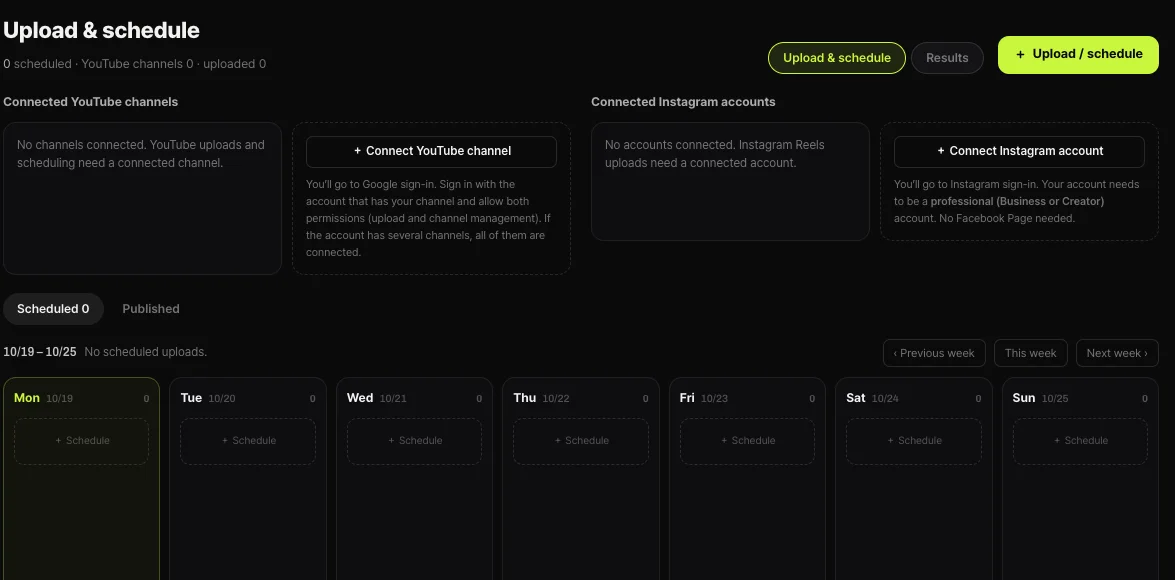
Shortsmith’s upload and schedule window has no field for turning subscriber notifications off, and Shortsmith does not set that option separately. For a video where you want to skip alerts, upload it from YouTube Studio instead. A scheduled Shortsmith upload waits as a private video and goes public at the time you chose, so spreading several videos across different times rather than posting them all at once fits the limit above.
Shortsmith also sets the audience to “not made for kids” when it uploads, so check the kids setting in the troubleshooting order above if alerts are missing.
FAQ
Does every subscriber get notified?
No. It depends on each viewer’s bell setting (All, Personalized, None), their device settings, and the limit of three per channel per 24 hours.
Can I upload five videos in one day?
You can, but posting more than three in a short period can pause notifications for 24 hours. Upload as private and publish at different times.
When do personalized notifications arrive?
At the moment each subscriber is most likely to open them, sometimes hours after publishing. All notifications usually arrive within minutes.
If I turn notifications off, does the video appear in the subscriptions feed?
No. Clearing the box means it is not published to the subscriptions feed and no alert is sent.
Do made-for-kids channels send alerts?
No. Notifications are disabled for content set as made for kids, and the bell is fixed to None.
Can I turn alerts off in Shortsmith?
There is no such field in the upload window. Upload from YouTube Studio when you want to skip them.
Sources
- Manage YouTube notifications — YouTube Help · checked
- Fix subscriber notification problems — YouTube Help · checked
- Skip sending upload notifications — YouTube Help · checked
- Check subscriber notifications — YouTube Help · checked