Understand the YouTube Analytics Content tab — new, casual and regular viewers, unique reach and the August 24, 2026 view-count rule (November 2026)
Shortsmith team · Updated
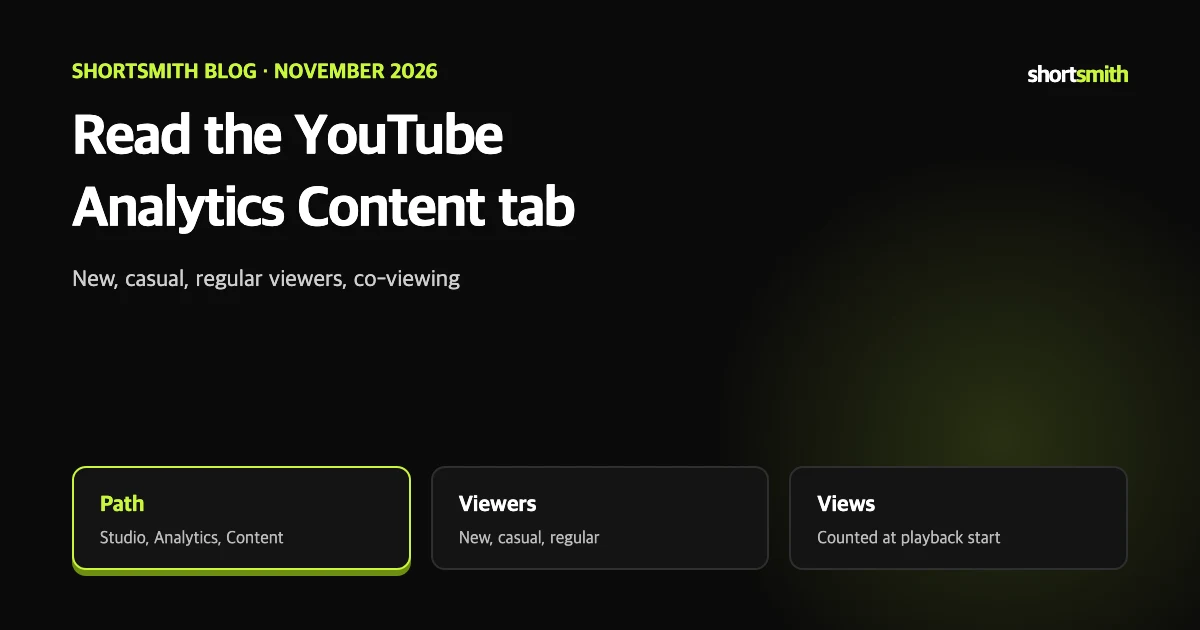
Studio’s analytics screen has many numbers, and without knowing which report answers which question it is easy to go in circles. The Content tab shows in one place how viewers find your content, what they watch and how they react.
This post summarizes YouTube Help’s “Understand your YouTube content performance” as read on November 8, 2026. Report names follow the help page and may change.
The view-count rule from August 24, 2026
The help page says that from August 24, 2026, views in every format — Shorts, long-form videos and live streams — are counted the moment a video starts playing.
It states that the change does not affect YouTube Partner Program revenue or eligibility. Revenue is still based on engaged Shorts views and valid watch time, so keep the number on screen separate from the basis for revenue.
Open the tab and the chips
The chips at the top switch between All, Video, Shorts, Live, Posts, Playlists and Podcasts. Select See more or Advanced mode to see specific data in expanded reports, compare performance and export data.
- Sign in to YouTube Studio.
- Select Analytics in the left menu.
- Select Content in the top menu.
Viewer types on the All chip
The All chip also has Subscribers (by content type), Views, Impressions and how they led to watch time, Published content, Viewers by format, How viewers find your content and Top remixes.
| Type | Meaning |
|---|---|
| New viewers | People who watched your channel for the first time in the selected period |
| Casual viewers | People who watched at least once a month for 1 to 5 months in the past year |
| Regular viewers | People who watched at least once a month for more than 6 months in the past year |
Unique reach and co-viewing views
- Unique reach: the estimated number of distinct people who watched a video or channel, including shared viewing on devices like TVs.
- Views (co-viewing): the estimated total views, including when several people watch together.
Example
If three people watch on one TV, the view count rises by 1 but unique reach rises by 3. If a family of three watches a video together twice, co-viewing views are 6.
What each format shows
Engaged views for Shorts is the share of views that kept watching past the first few seconds. Discovery paths include Browse features, the Shorts feed, Suggested videos, YouTube search, channel pages and external sources.
| Chip | Main reports |
|---|---|
| Video | Views, average view duration, impressions and click-through rate, key moments for audience retention, how viewers find your video, top videos |
| Shorts | Views, likes, subscribers, how viewers find your Shorts, engaged views, top Shorts and remixes |
| Live | Key metric cards and live reports |
| Posts, Playlists, Podcasts | Reach and engagement for each format |
Content tab tips — reading the main metrics
A high intro rate means the start of the video held attention and matched the expectation set by the thumbnail and title. To improve it, the help page suggests making thumbnails and titles that better reflect the content and editing the first 30 seconds in different styles. The “typical” comparison is the viewing pattern of your 10 most recent videos of similar length.
- Impressions: how many times a thumbnail was shown to viewers, counting only YouTube, not external sites or apps.
- Impressions click-through rate: how often viewers watched after seeing the thumbnail, showing how well the thumbnail, title and content grab interest.
- Average view duration: average minutes watched per view, useful for seeing how interest changes.
- Viewers by format: whether returning viewers also watch new formats such as Shorts or live.
- Key moments for audience retention: a typical intro is about 30 seconds, and a video where more than 50% of viewers remain past 30 seconds counts as a typical intro or better.
Which report answers which question
Videos made with Shortsmith show up in the same analytics once uploaded, like any other video. The numbers in YouTube Studio are the ones to trust, not any figure inside Shortsmith.
- Are new viewers growing? New, casual and regular viewers on the All chip.
- Where do they come from? How viewers find your content.
- Is the thumbnail being clicked? Impressions and click-through rate, and whether they led to watch time.
- Do Shorts hold attention? Engaged views on the Shorts chip.
- Do the same people watch Shorts and long-form? Viewers by format.
Key points
Seven lines so you do not get lost the first time you open the Content tab.
- The path is Studio, Analytics, Content, and chips switch formats.
- Since August 24, 2026 every format counts a view when playback starts.
- YPP revenue is still based on engaged Shorts views and valid watch time.
- New, casual and regular viewers are split by how long they watched monthly.
- Unique reach estimates the number of people including shared viewing.
- Engaged views for Shorts is the share who kept watching past the first few seconds.
- Advanced mode lets you compare and export data.
How to check whether the help pages have changed
YouTube Help updates its documents whenever a feature changes, and translations lag by language, so the Korean and English versions can differ slightly. The figures and conditions here come from pages read on November 8, 2026 and may have changed since.
Before making an important decision, open the original links under Sources and compare them with what you see now. Eligibility rules, time limits and numeric caps change most often. If a menu name looks different, look for a similar item in the same place; if it is missing, the feature may not be enabled for your account yet. Statements about Shortsmith reflect its screens and code as of November 2026.
FAQ
When are views counted?
Since August 24, 2026, in every format at the moment a video starts playing.
Does this change YPP revenue?
The help page says no effect on revenue or eligibility, which are based on engaged Shorts views and valid watch time.
Who counts as a casual viewer?
Someone who watched at least once a month for 1 to 5 months in the past year.
How does unique reach differ from views?
Three people on one TV add 1 view but 3 to unique reach.
What can Advanced mode do?
View specific data, compare performance and export data.
Sources
- Understand your YouTube content performance — YouTube Help · checked
- Content tab analytics tips — YouTube Help · checked