YouTube recommended upload encoding settings — container, codecs, frame rate, bitrate by resolution and color space (November 2026)
Shortsmith team · Updated
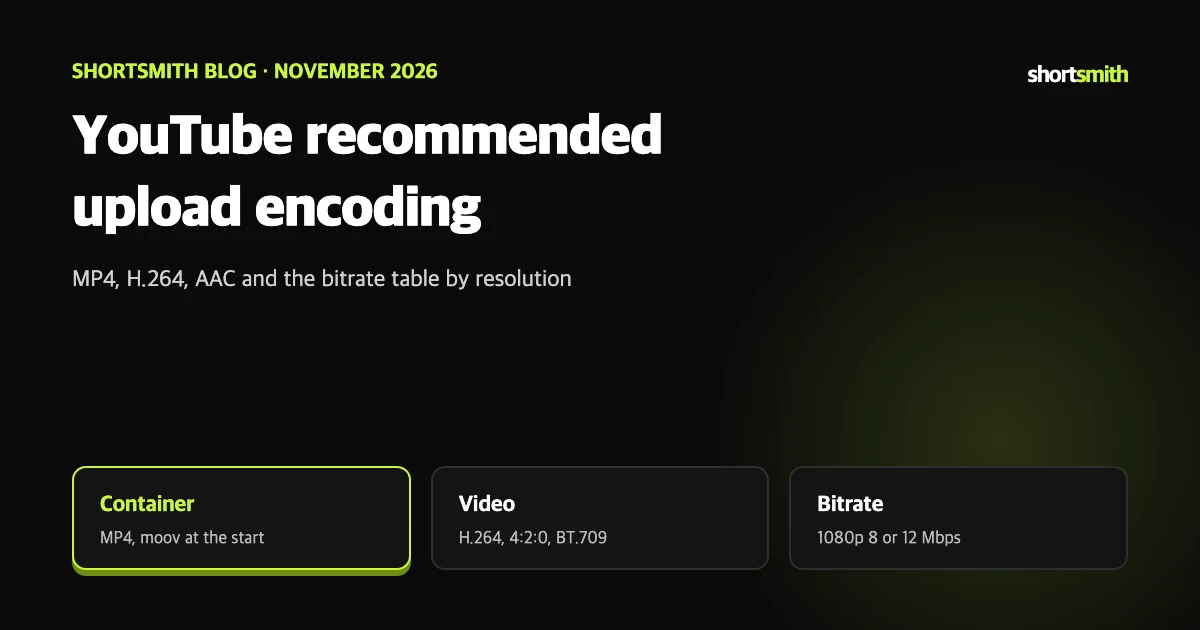
When you export a finished video, the most common questions are which codec and what bitrate. YouTube Help has a dedicated page of recommended upload encoding settings.
This post summarizes “Recommended upload encoding settings” as read on November 10, 2026. The page gives recommendations and says there is no bitrate limit. I also checked Shortsmith’s render code on the same day and compare it at the end.
Container and codecs at a glance
The page warns that an edit list can stop a video from processing properly. Putting the moov atom at the start is the fast start setting, which lets playback begin before the whole file is downloaded. Most editors call it web optimized or fast start in the export options.
One caveat: the page opens by saying this feature is offered only to partners who use YouTube Studio Content Manager. It is still specific enough to be a good reference for any creator choosing export settings.
| Item | Recommendation |
|---|---|
| Container | MP4. No edit list, moov atom at the start of the file (fast start) |
| Audio codec | AAC-LC, Opus or Eclipsa audio |
| Audio channels and rate | Stereo, stereo + 5.1, or stereo + Eclipsa. 48 kHz |
| Video codec | H.264. Progressive scan, High profile, 2 consecutive B-frames, closed GOP (half the frame rate), CABAC |
| Bitrate mode | Variable bitrate. The table below is a reference; there is no limit |
| Chroma subsampling | 4:2:0 |
Frame rate: as recorded
Converting everything to 30 fps because it feels safe runs against the page. If the source is 24 or 25 fps, leaving it as is is the recommendation.
- Encode and upload at the same frame rate the content was recorded at.
- Common rates are 24, 25, 30, 48, 50 and 60 fps, and other rates are allowed.
- Deinterlace interlaced content before upload. For example, 1080i60 becomes 1080p30, and 60 interlaced fields per second become 30 progressive frames per second.
Recommended SDR bitrate
The page adds that newly uploaded 4K videos need a device or browser that supports VP9 to play. Audio playback bitrate does not depend on video resolution.
| Resolution | Standard frame rate (24, 25, 30) | High frame rate (48, 50, 60) |
|---|---|---|
| 8K | 80 to 160 Mbps | 120 to 240 Mbps |
| 2160p (4K) | 35 to 45 Mbps | 53 to 68 Mbps |
| 1440p (2K) | 16 Mbps | 24 Mbps |
| 1080p | 8 Mbps | 12 Mbps |
| 720p | 5 Mbps | 7.5 Mbps |
| 480p | 2.5 Mbps | 4 Mbps |
| 360p | 1 Mbps | 1.5 Mbps |
HDR uploads and audio bitrate
The table marks HDR as unsupported at 480p and below. If you upload HDR, read the separate help page on uploading HDR videos too.
- Audio bitrate: mono 128 Kbps, stereo 384 Kbps, 5.1 at 512 Kbps.
- For Eclipsa audio (immersive audio), 128 kbps per channel is recommended.
| Type | Standard frame rate | High frame rate |
|---|---|---|
| HDR 8K | 100 to 200 Mbps | 150 to 300 Mbps |
| HDR 2160p (4K) | 44 to 56 Mbps | 66 to 85 Mbps |
| HDR 1440p (2K) | 20 Mbps | 30 Mbps |
| HDR 1080p | 10 Mbps | 15 Mbps |
| HDR 720p | 6.5 Mbps | 9.5 Mbps |
| HDR 480p and 360p | Not supported | Not supported |
Color space: BT.709 is the baseline
BT.709 is the recommended standard color space for SDR uploads. The transfer characteristics, primaries and matrix coefficients are all BT.709 (H.273 value 1).
When values are missing or mixed, YouTube standardizes first. An unspecified TRC is assumed to be BT.709 TRC; an unknown matrix and primaries are assumed to be BT.709. If BT.601 and BT.709 are mixed, the matrix is used to redefine the primaries so they are consistent. If the result still does not match BT.709 or BT.601, pixel values are mapped to convert to BT.709.
- Primaries that need a high bit depth to avoid banding, such as BT.2020, are converted to BT.709 (8-bit) unless a supported HDR transfer function is used, and full range becomes limited range.
- Using an RGB color matrix for upload is not recommended. An sRGB TRC is converted to BT.709 TRC.
If colors look different after export
When color tags are empty or you export RGB, YouTube estimates and corrects them. Stating BT.709 explicitly in your export settings leaves less room for conversion.
Comparing with Shortsmith’s render settings
In Shortsmith’s render code (editor/encoding.py) the final encode is written against YouTube’s recommendation page. As checked on November 10, 2026: H.264 (libx264) High profile level 4.1, yuv420p (4:2:0), CRF 18, maximum bitrate 12 Mbps, keyframes fixed at 2 seconds, and the faststart flag on the finished file. Vertical 9:16 video is built at 1080 by 1920, and the final frame rate follows the source.
For audio, the stage-file setting is AAC 192 kbps stereo at 44.1 kHz, which differs from the 48 kHz the page recommends. This post does not claim either is better; if you must match a spec strictly, such as a partner delivery, check your export settings yourself. The code also has a step that re-encodes smaller when the finished file exceeds 80 MB.
With render on my computer, the desktop program handles that compositing step locally, and the finished file is saved to the Videos/Shortsmith folder.
Summary
The recommendations are long, but only a few lines are worth remembering.
- MP4 with H.264; audio AAC-LC stereo at 48 kHz.
- moov atom at the start, no edit list.
- Keep the recorded frame rate; deinterlace interlaced footage.
- For 1080p SDR, use 8 Mbps (12 Mbps for high frame rate) as a reference.
- Color space BT.709; avoid an RGB matrix.
- There is no bitrate limit; the table is a reference.
How to check whether the help pages have changed
YouTube Help updates its documents whenever a feature changes, and translations lag by language, so the Korean and English versions can differ slightly. The figures and conditions here come from pages read on November 10, 2026 and may have changed since.
Before making an important decision, open the original links under Sources and compare them with what you see now. Eligibility rules and numbers change most often. If a menu name looks different, look for a similar item in the same place; if it is missing, the feature may not be enabled for your account yet. Statements about Shortsmith reflect its screens and code as of November 2026.
FAQ
What bitrate is recommended for 1080p?
For SDR, 8 Mbps at standard frame rates and 12 Mbps at high frame rates. For HDR, 10 and 15 Mbps.
Is there a bitrate cap?
The page gives reference values and says there is no limit on bitrate.
Should I convert to 30 fps?
No. It says to encode and upload at the frame rate the content was recorded at.
What audio sample rate?
48 kHz is recommended, with AAC-LC, Opus or Eclipsa audio.
Which color space should I export?
BT.709 for SDR; an RGB color matrix is not recommended.
Sources
- Recommended upload encoding settings — YouTube Help · checked
- YouTube 권장 업로드 인코딩 설정 (Korean) — YouTube Help · checked