How to get the YouTube channel verification badge (check mark) — eligibility, how channels are reviewed, and why renaming removes it (October 2026)
Shortsmith team · Updated
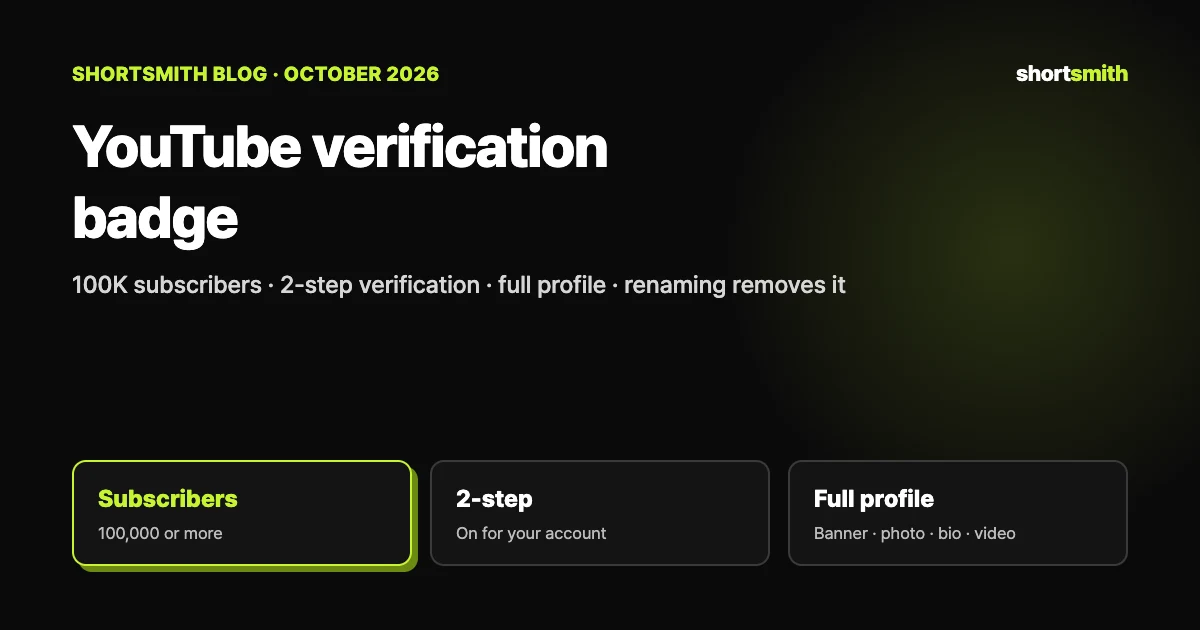
The check mark next to a channel’s name means YouTube has verified that the channel is the official channel of a creator, artist, company or public figure. It only helps tell official channels apart from similarly named ones: it doesn’t unlock extra features, and it isn’t an award or an endorsement from YouTube. The channel’s owner or a manager applies in Studio, and the channel needs 100,000 subscribers, 2-step verification and a complete profile (banner, profile picture, description and at least 1 public video).
This guide is based on YouTube Help’s “Verification badges on channels” and “Impersonation policy”, checked on October 29, 2026. It also compares the badge with the Creator Awards (Silver Play Button), which is easy to mix up because the same 100K milestone is involved.
What the badge means — and what it doesn’t
- It means: this is the official channel of a creator, artist, company or public figure, which helps distinguish it from channels with similar names.
- It doesn’t mean: extra features, an award, a milestone or an endorsement from YouTube. Verified channels don’t get extra features on YouTube.
- YouTube notes that verification has changed over time, so you may see many types of verified channels.
Eligibility — all four are required
| Requirement | Details | If you’re missing it |
|---|---|---|
| Subscribers | 100,000 or more | The “Verified badge” tab doesn’t appear in Studio |
| 2-step verification | Turned on for your Google account | You’ll see the option to turn on 2-step verification |
| Complete profile | Banner image, profile picture, description and at least 1 public video | You’ll see the option to edit your profile |
| Who applies | Channel owners or channel managers | Other roles can’t submit the application |
How to apply
- Sign in to YouTube Studio on a computer, using the email address for the eligible channel.
- Click Settings → Channel → Verified badge.
- Click Apply. If you have 100,000 subscribers but are missing 2-step verification or a complete profile, you’ll see the option to turn on 2-step verification or edit your profile instead, and Apply appears once those are met.
- Once the application is in, YouTube reviews your channel.
If the tab is missing or the form won’t open
If the Verified badge tab doesn’t appear, you haven’t met the 100,000-subscriber requirement. If you recently reached 100,000 subscribers or turned on 2-step verification but can’t open the form, YouTube’s systems can take a few days to update, so check back in a few days and make sure you’re signed in with the email address for the eligible channel.
What the review looks at — authentic and complete
YouTube also says it may proactively verify channels with fewer than 100,000 subscribers that are well known outside of YouTube. It won’t verify channels that are trying to impersonate another creator or brand, and if it finds a channel deliberately impersonating someone else, it may take more actions.
| Criterion | What YouTube checks | What to prepare |
|---|---|---|
| Authentic | Your channel must represent the real creator, brand or entity it claims to be. YouTube checks factors such as the age of your channel and may ask for more info or documentation | Have material that shows who you are ready in case it’s requested (YouTube says what documents when it asks) |
| Complete | The channel must be public with a banner, description and profile picture, and have content and be active on YouTube | Fill in the three profile items and keep posting public videos |
When the badge goes away — renaming means reapplying
A verified channel stays verified unless you change the channel name. If you rename it, the renamed channel won’t be verified and you’ll need to reapply. Changing the channel’s handle will not remove the badge. YouTube also reserves the right to revoke verification or terminate channels that violate the Community Guidelines or the Terms of Service.
Settle the name before you apply
You can change your channel name and handle up to 2 times in 14 days each, but the bigger point is that renaming removes the badge. If you plan to rebrand, decide before you apply, and if the change can be a handle change, change only the handle.
Verification badge vs Silver Play Button — same 100K, different things
| Comparison | Verification badge | Creator Award (Silver Play Button) |
|---|---|---|
| What it is | A mark for official channels | A physical award for a subscriber milestone |
| Subscriber requirement | 100,000 (to be eligible to apply) | 100,000 (Silver) |
| How you get it | You apply in Studio | YouTube reviews, then sends a notification and a redemption code |
| Other conditions | 2-step verification, a complete profile, authenticity | Uploads in the last 6 months, no violation in the last 365 days, original content and more |
| Benefit | No extra features | A physical award (personal use only) |
Standing out as the official channel without a badge
YouTube says there are other ways to distinguish your channel from similar ones if it isn’t verified. Do the following, and report anyone who impersonates you or your channel.
- Use a unique channel name or handle that represents who you are and the type of content you publish
- Use a high-quality profile picture so your channel looks professional in search results
- Customize your channel layout and branding for a personalized look on the channel homepage
- Report anyone impersonating you or your channel
And in reverse — not looking like an impersonator
YouTube’s impersonation policy says a channel doesn’t have to be 100% identical to count if the intent to copy another channel is clear. If you run a fan channel or a clip-and-commentary channel, check the following in particular.
| Watch out for | Example from the policy | Question to ask |
|---|---|---|
| “Real” or “Official” claims | Putting “Real” or “Official” into your channel name to pretend to be the authentic version | Does the name contain a word that implies it’s official? |
| Backup channel claims | Adding words like “Backup”, “Shorts” or “Live” to a creator’s name | Is it just someone else’s name plus a word? |
| Similar names or handles | A name or handle that is phonetically identical or visually similar, including deceptive misspellings | Is it the same name with the spelling tweaked? |
| Copying the look | Copying profile pictures, banners or specific color schemes | Does the first impression overlap with an existing channel? |
| Fan channels | If you operate a fan channel, state so explicitly in your channel name or handle | Is it obvious from the name or handle alone that it’s unofficial? |
| Copying videos | Copying someone else’s videos and reposting them without changing anything or adding significant original commentary | Is my commentary and editing clearly there? |
Disclosing AI use isn’t a pass
Disclosing that content was made with AI doesn’t make impersonation acceptable. Using someone’s AI-generated likeness or voice to falsely imply they own or authorize your channel counts too. If a channel is judged to have been established to impersonate another person or entity, it may be removed.
Before you hit 100K — a checklist
| Prepare | Why it matters |
|---|---|
| Turn on 2-step verification | It’s required to apply, and it’s the most basic defense against account takeover |
| Fill in banner, profile picture and description | It’s part of the “complete profile” requirement |
| Have at least 1 public video up | At least 1 public video is required, and it helps the channel look active |
| Settle your channel name | Renaming removes the badge and means reapplying |
| Decide who applies — an owner or a manager | Only channel owners or managers can submit the application |
If you run the channel with Shortsmith
Shortsmith connects a YouTube channel by having you grant upload and channel management permissions in Google’s own sign-in window, so you never type your Google password into Shortsmith. The 2-step verification, profile, name and handle that verification depends on are all set in your Google account and YouTube Studio, and Shortsmith has no feature to change them.
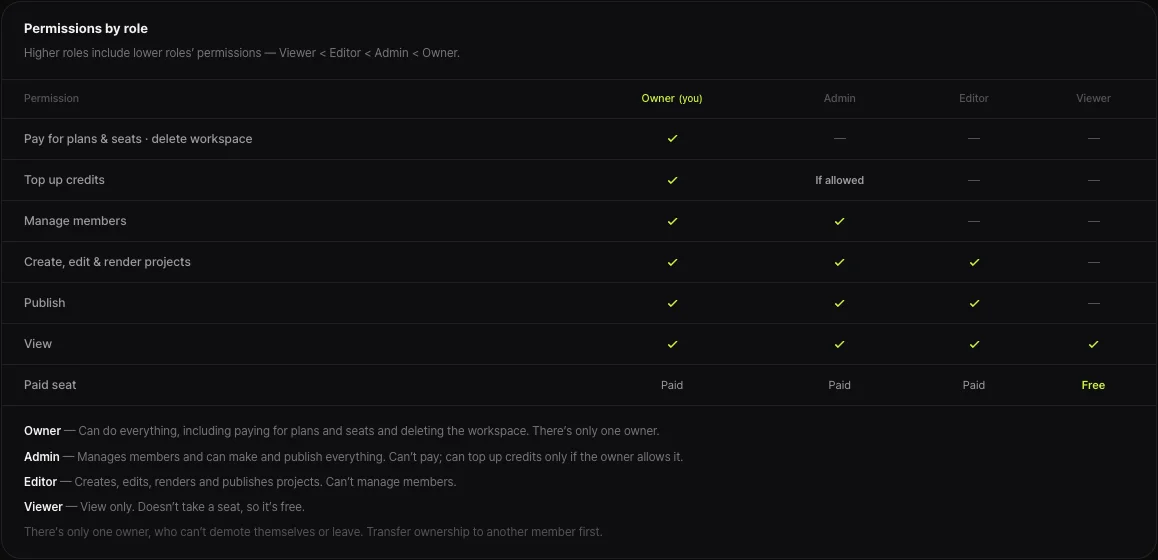
If you run the channel as a team, keep two things apart. Shortsmith’s team roles (Owner, Admin, Editor, Viewer) are permissions to create and publish projects inside Shortsmith, while the “channel owner or manager” who can apply for the badge is a YouTube channel permission. You set them separately.
If you add commentary to sports highlights or entertainment clips, start by checking that your name and handle don’t look like impersonation. For a fan channel using the name of a player, team or broadcaster, YouTube says to state in the channel name or handle that it’s unofficial.
FAQ
How many subscribers do I need to apply for the badge?
100,000. You also need 2-step verification and a complete profile, and only the channel owner or a manager can apply.
I don’t see the “Verified badge” tab.
It means you haven’t met the 100,000-subscriber requirement. If you recently reached 100,000, YouTube’s systems can take a few days to update, so check back in a few days.
What happens to the badge if I change my channel name?
It’s removed and you have to reapply. Changing only the handle doesn’t affect the badge.
Does a verification badge give me extra features?
No. Verification is only a mark for official channels; it doesn’t mean extra features, an award or an endorsement from YouTube.
Can a channel under 100,000 subscribers be verified?
100,000 is the requirement to apply, but YouTube says it may proactively verify channels that are well known outside of YouTube.
Are the verification badge and the Silver Play Button the same thing?
No. The badge marks an official channel and you apply for it; the Silver Play Button is the Creator Award for 100,000 subscribers, and YouTube reviews your channel and then sends a notification.
Sources
- Verification badges on channels — YouTube Help · checked
- Impersonation policy — YouTube Help · checked
- YouTube Creator Awards & Recognition — YouTube for Creators · checked