Creating a YouTube channel: personal channels, Brand Accounts and handles (October 2026)
Shortsmith team · Updated
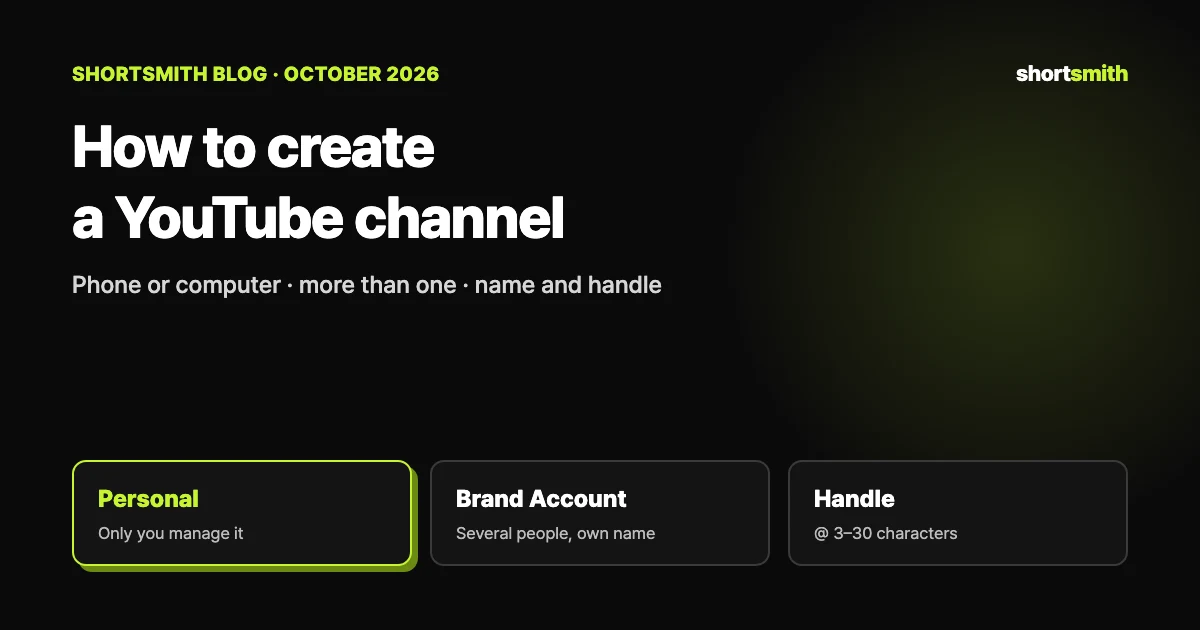
A Google Account lets you watch, like and subscribe, but to upload videos, comment or make playlists you need a YouTube channel. Sign in, click your profile picture → Settings → Add or manage your channel(s) → Create a channel, then choose a picture, a name and a handle and you are done. If several people will manage the channel or you want a name different from your Google Account, create it as a Brand Account channel.
We checked YouTube Help’s “Create a YouTube channel,” “Learn about YouTube handles” and “Manage your channel’s profile” and Google Account Help’s “Age requirements on Google Accounts” on October 23, 2026.
Which kind of channel, at a glance
| Type | When | Where |
|---|---|---|
| Personal channel | Only you manage it and your Google Account name is fine | Settings → Add or manage your channel(s) → Create a channel |
| Brand Account channel | Two or more owners/managers, or a different name | Channel list → Create a new channel |
| Channel name | Can be changed (twice within 14 days) | YouTube Studio → Customization → Profile |
| Handle (@) | One per channel, changeable twice within 14 days | YouTube Studio → Customization → Profile |
Creating a personal channel — same steps on mobile
YouTube’s instructions are the same on a computer and the mobile site. Sign in to YouTube, click your profile picture and open Settings, then under Account choose Add or manage your channel(s). Click Create a channel, pick a profile picture, enter a name and a handle, and click Create a channel again.
Sometimes a channel is created on mobile when you post a comment. In that case YouTube may assign a handle based on the channel name you chose, or a random one if the name cannot become a handle. You can check and change it any time in YouTube Studio or at youtube.com/handle.
- Sign in to YouTube and open your profile picture → Settings.
- Under Account, choose Add or manage your channel(s).
- Click Create a channel and choose a picture, name and handle.
- Click Create a channel to finish.
More than one channel — Brand Accounts
To create another channel under the same Google Account, or to run a channel under a different name (a shop, a team, a stage name), connect the channel to a Brand Account. From the channel list, click Create a new channel and choose a picture, name and handle; a new Brand Account is created with it. Brand Account channels can have several owners and managers.
If you already manage a Brand Account without a channel, you can pick it from the list and create its channel. If the Brand Account already has a channel, you cannot create another one — selecting it simply switches you to that channel. In other words, one Brand Account holds one channel. If you use YouTube in a supervised experience, you may not be able to create a channel.
Age requirements
The minimum age to manage your own Google Account depends on the country. Where no specific age is listed it is 13; for example, it is 14 in South Korea and 16 in Germany. Younger children can have a parent create and manage an account with Family Link until they reach the minimum age.
Getting paid later has its own age rule: AdSense requires users to be 18 or older (19 in South Korea, according to Google). Accounts found to be under the minimum age must be updated within 14 days or they are disabled.
What a handle (@) is — your unique address
A handle is a short, unique channel identifier that starts with @ (for example @youtubecreators). Channel names can repeat across channels, but a handle cannot, and each channel has exactly one. Handles appear in comments, mentions, live chat and Shorts, and become your channel URL in the form youtube.com/@handle. Typing @handle into YouTube search takes people straight to your channel.
Handles can be 3–30 characters (1–10 for Hangul or Chinese characters), using letters or numbers from 75 supported languages, and they are not case-sensitive. Underscores, hyphens, periods and Latin middle dots are allowed but not at the start or end. A handle cannot look like a URL or phone number, be taken already or break the Community Guidelines; handles that do are revoked and replaced by YouTube.
Using non-Latin characters
If your handle uses characters outside A–Z, 0–9 and _-., people without that keyboard may struggle to search for it, and some outside apps and sites may show youtube.com/@handle links as broken. You can share your channel ID URL instead.
Changing your channel name or handle — twice in 14 days
In YouTube Studio, go to Customization → Profile in the left menu, change the name or handle and click Publish. Each can be changed twice within 14 days, and a new name can take a few days to update across YouTube. If your channel has a verification badge, changing the name removes it.
Your channel name and picture change only on YouTube; your Google Account name stays the same. The same Profile page lets you edit the description, add up to 14 links shown on your channel home and a contact email for business inquiries. If the name will not update, check that no channel name translations are still in place.
After you create it — your first videos
A new channel has no subscribers yet, so early reach leans heavily on the Shorts feed. Decide your channel topic in one sentence and post on that topic steadily. If you already have long videos, splitting their best moments into Shorts is the quickest start.
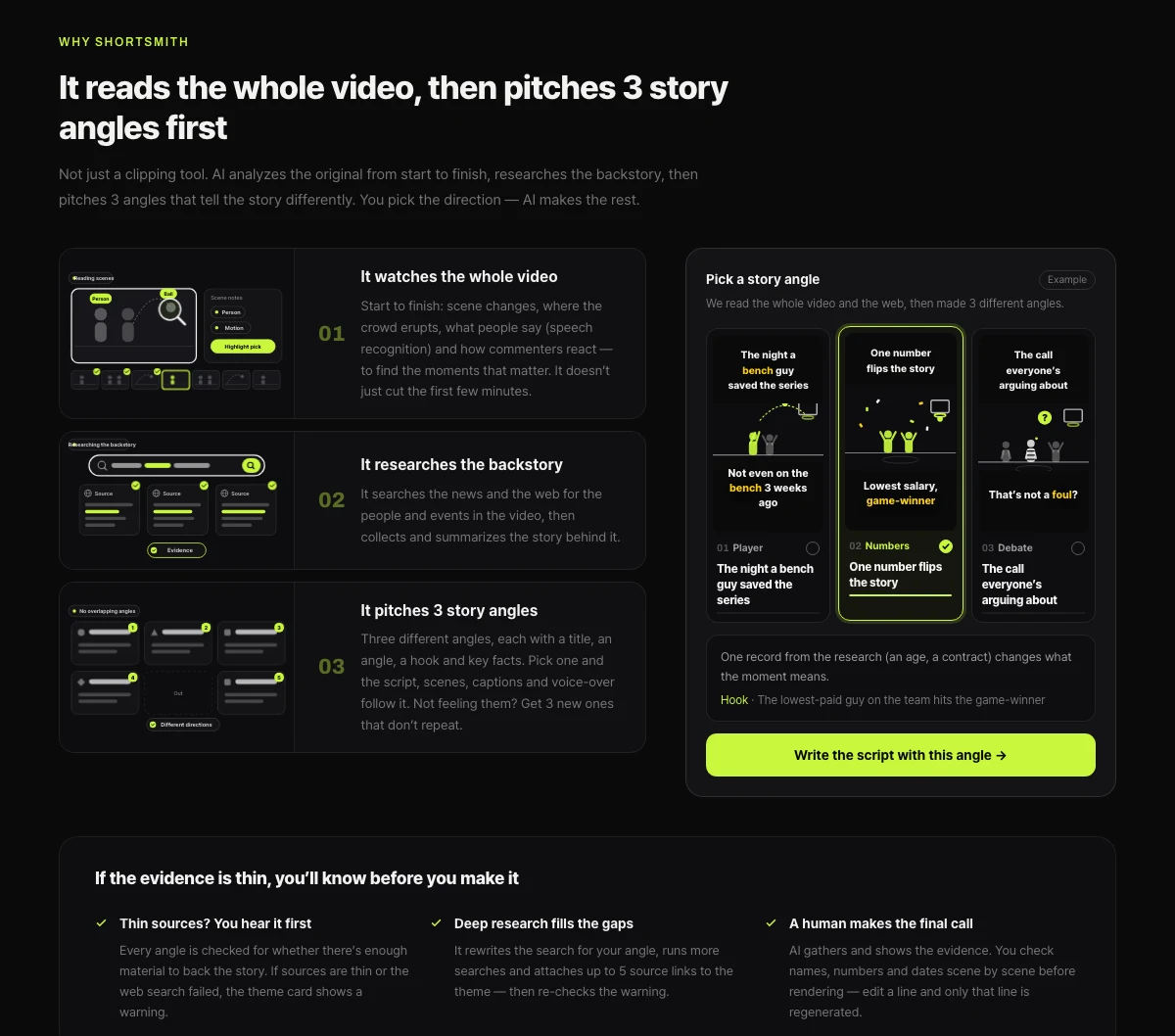
Shortsmith takes a long video link or file, reads the whole thing, researches the background and pitches three different story angles first. Pick one and it cuts the scenes, reframes to 9:16 and adds captions and voice-over. Connect your YouTube channel to post or schedule the finished Short directly.
FAQ
How old do you have to be to create a YouTube channel?
It depends on the country’s minimum age for managing a Google Account — 13 where no other age is listed, 14 in South Korea. Younger children can use Family Link with a parent.
Can one Google Account have several channels?
Yes. Click Create a new channel in the channel list and a Brand Account is created with it. Each Brand Account can hold one channel.
What is the difference between a handle and a channel name?
Channel names can repeat; a handle is a unique @ identifier that also becomes your youtube.com/@handle URL.
How long can a handle be?
3–30 characters, or 1–10 for Hangul and Chinese characters. Underscores, hyphens and periods cannot start or end it.
How often can I change my channel name?
Twice within 14 days. The handle can also be changed twice in 14 days, and a name change removes a verification badge.
Why can’t I create a channel?
Supervised experiences may block channel creation. If a Brand Account already has a channel, selecting it switches to that channel instead of creating a new one.
Sources
- Create a YouTube channel — YouTube Help · checked
- Learn about YouTube handles — YouTube Help · checked
- Manage your channel’s profile — YouTube Help · checked
- Age requirements on Google Accounts — Google Account Help · checked